 跨境独立站开店
Risk-free advertising: Increase sales while managing advertising costs.
Shop Campaigns shows you how to grow sales across your major channels and manage your advertising costs more precisely while reducing complexity.
What are Shop Campaigns?
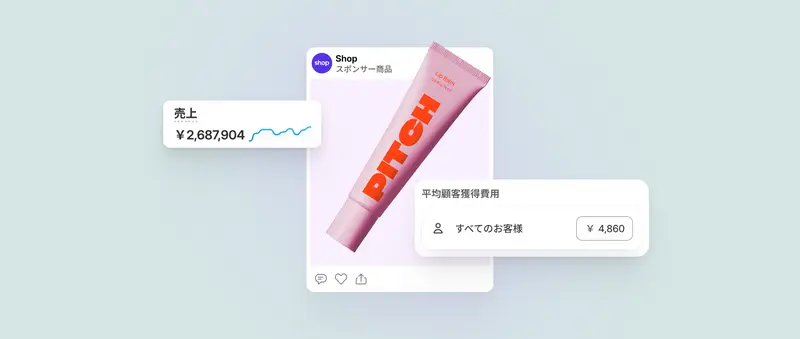
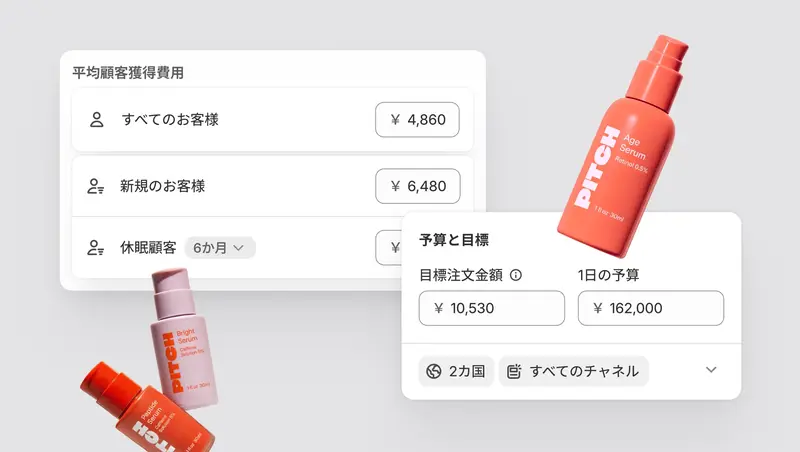
Shop Campaigns is an advertising service that allows brands to run targeted campaigns across Shop and more than 10 advertising platforms risk-free. Simply set your budget, customer acquisition cost (CAC), and target order amount (tAOV), and your campaign will run across Shop, major advertising platforms like Meta and Google, and your entire Shopify online store.
Payment is only made for conversions.
Unlike other advertising programs, Shop Campaigns only charges you when a customer converts. Furthermore, you can set your own budget and pay per customer, eliminating unexpected costs. You can achieve sustainable and scalable customer acquisition while managing your customer acquisition costs.
Zero risk, start now
Many advertising platforms require you to have an existing audience and dedicated assets before you can launch an ad campaign. Shop Campaigns, on the other hand, takes an average of less than two minutes to set up, allowing brands to quickly test and evaluate whether the program is right for their marketing strategy.
Expanding growth across all major channels
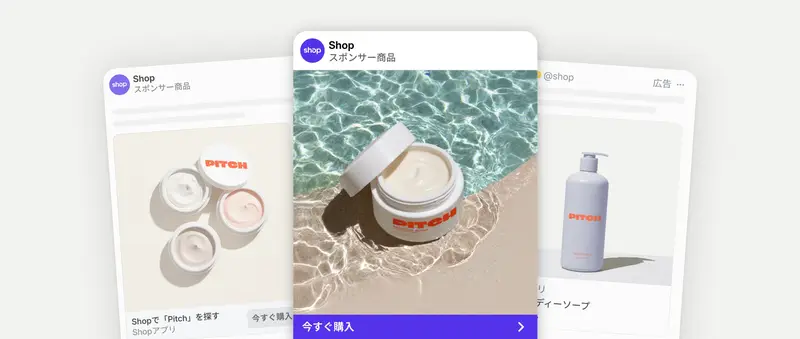
Shop Campaigns promote your products across Shop, Meta, and Google. Targeting and testing are all automated, and you only pay when a customer converts in your Shop. You are not charged for impressions or clicks.


