 跨境独立站开店
Marketing | Web Content Creation Tools
Here are some recommended web content creation tools. From video content to surveys, create high-quality content to increase engagement with existing and potential customers.
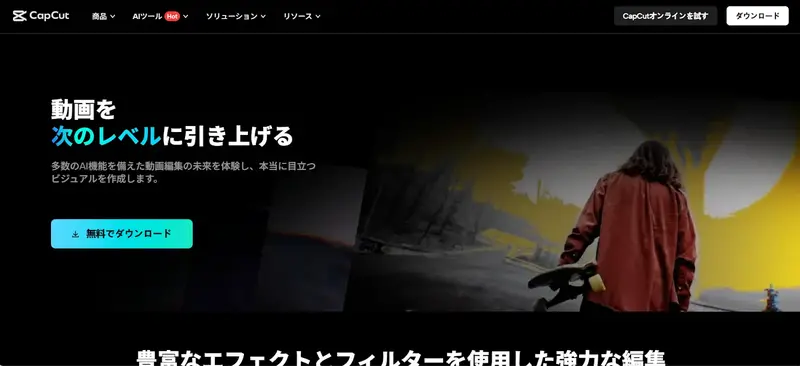
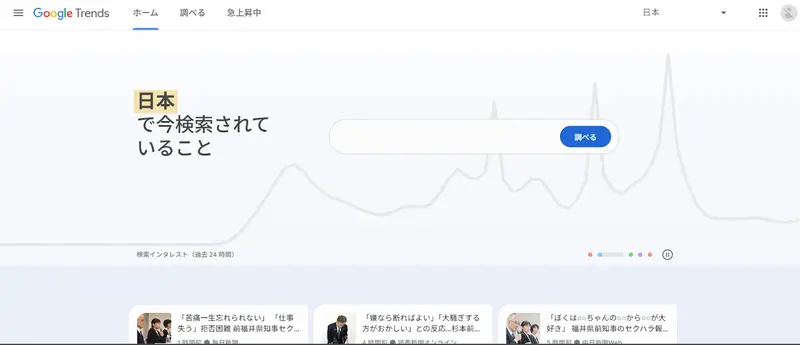
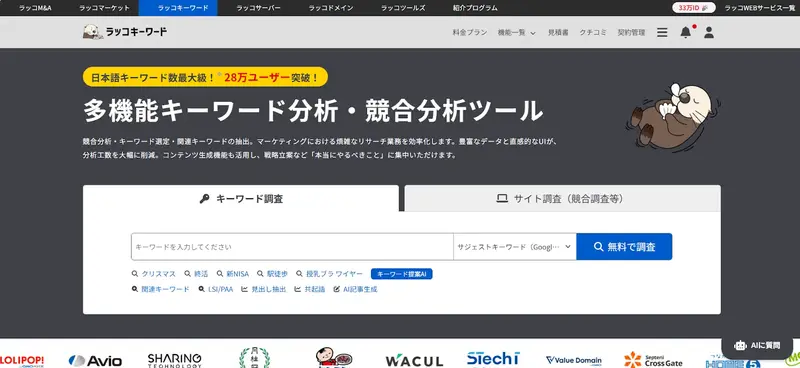
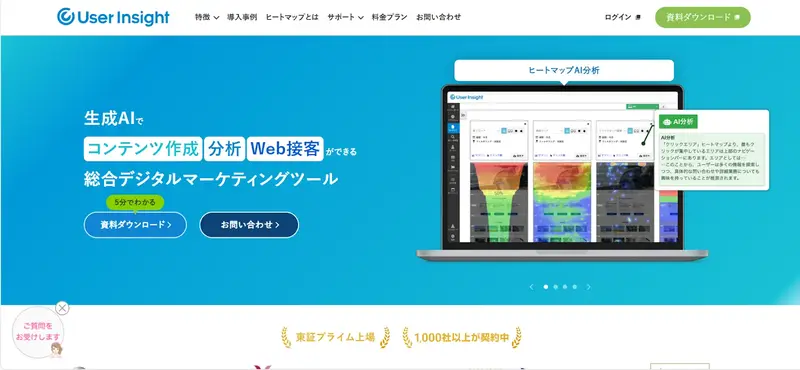


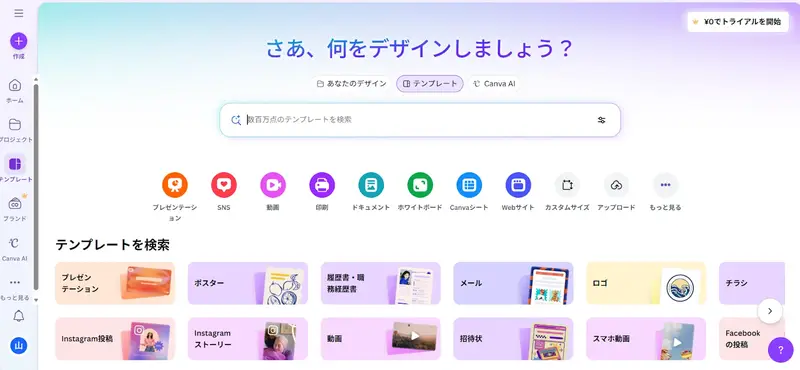
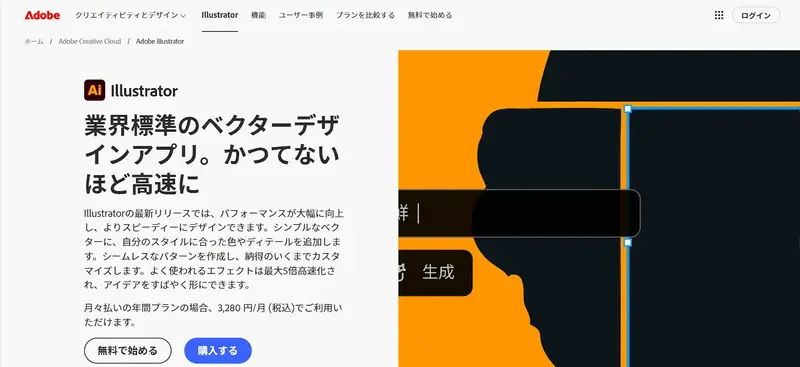
What are content creation tools?
Content creation tools are a general term for software and services that streamline the creation of articles, images, videos, documents, and other materials. Examples include video and photo editing tools that can be used without specialized knowledge or experience, and editors that allow users to edit text and articles while maintaining the original web design.
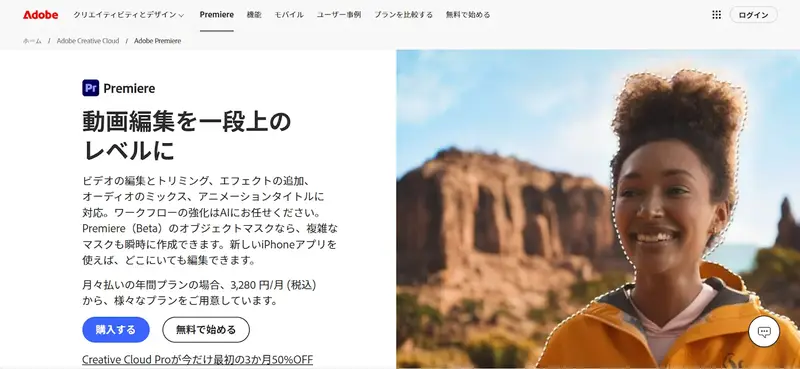
1. Adobe Premiere
Adobe Premiere is professional video editing software used for film and commercial production, as well as YouTube marketing. It offers advanced editing capabilities such as cut editing, text overlay insertion, color correction, and audio adjustment, and is characterized by its compatibility with other Adobe products such as After Effects and Photoshop. It also features AI functions that support the creation of masks to cut out people and extended scenes, enabling the creation of professional video content that balances quality and production efficiency.
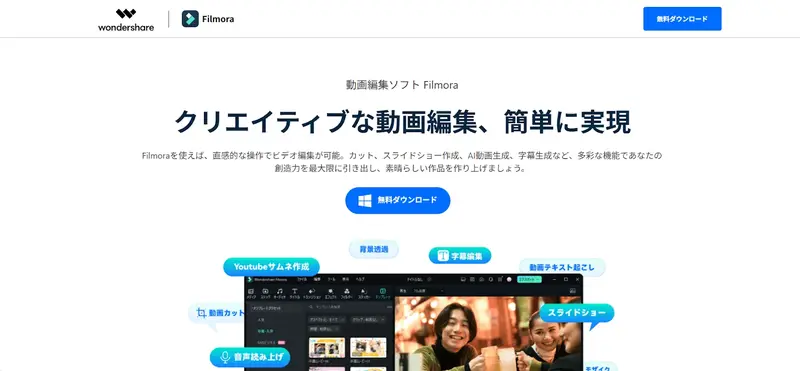
2. Filmora
Filmora is a video editing software widely used by beginners and intermediate users alike. It features intuitive operation, making it easy to perform tasks such as cutting, adding text overlays, adding background music, and applying effects. It also boasts a wealth of templates and materials for popular social media platforms, making it attractive for creating visually appealing videos in a short amount of time.
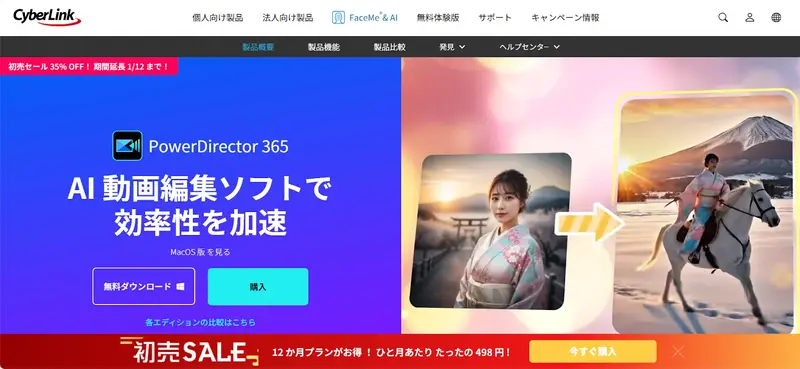
3. PowerDirector
PowerDirector is a video editing software that strikes an excellent balance between ease of use and high functionality. Its features, such as drag-and-drop operation, AI-powered automation, and smart templates, make it intuitive to use even without specialized knowledge. Furthermore, as your editing skills improve, you can perform advanced timeline operations and editing, making it a suitable video editing tool for users who want to progress from beginner to intermediate level.


