 跨境独立站开店
Four recommended business card creation services: Tips for designing your own cards and free apps.
While most people create their own business cards, this article introduces recommended business card creation services for those looking for free apps or services with a wide selection of stylish templates.

Before designing your business card
First, decide what information to include on your business card. Generally, this includes your name, company name, title, phone number, email address, and website URL. Some people also use QR codes to allow users to quickly access their e-commerce site, landing page, or product page. Recently, it's also becoming more common to include social media accounts and a photo of yourself.
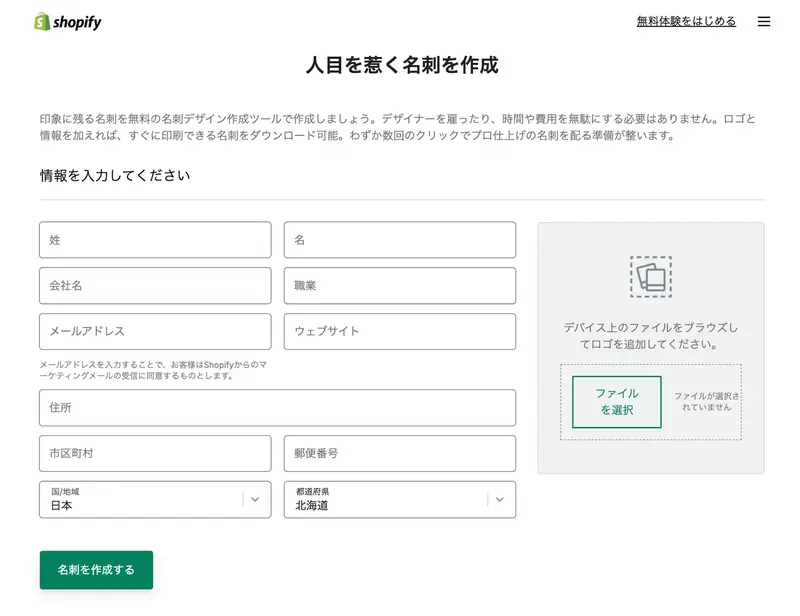
1. Free Business Card Maker
If you want to create business cards quickly and easily, Shopify's Free Business Card Maker is highly recommended. Simply enter your name, contact information, and other necessary details into the online form, and you can create a printable template in just a few minutes.
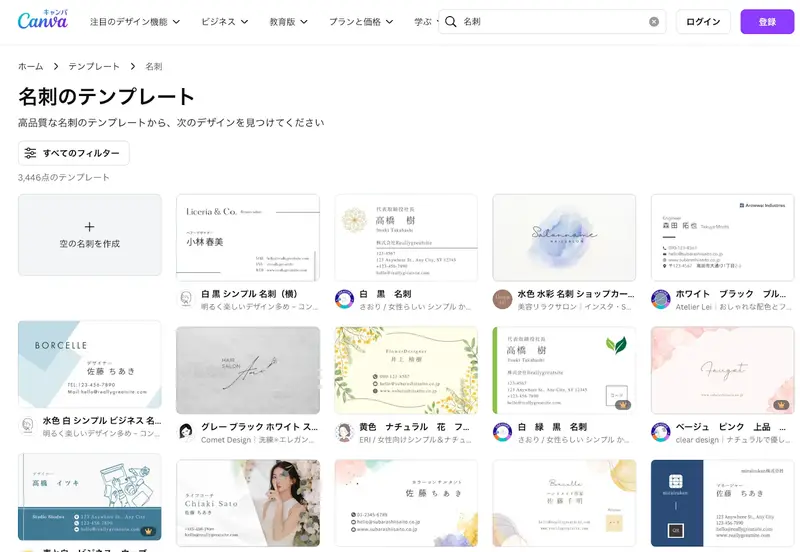
2. Canva
Canva, widely used for creating images for social media, can also easily create stylish business cards. Thousands of creative free templates are available, and you can filter by themes and styles such as "freelancer," "with QR code," and "with photo" to find the perfect design.
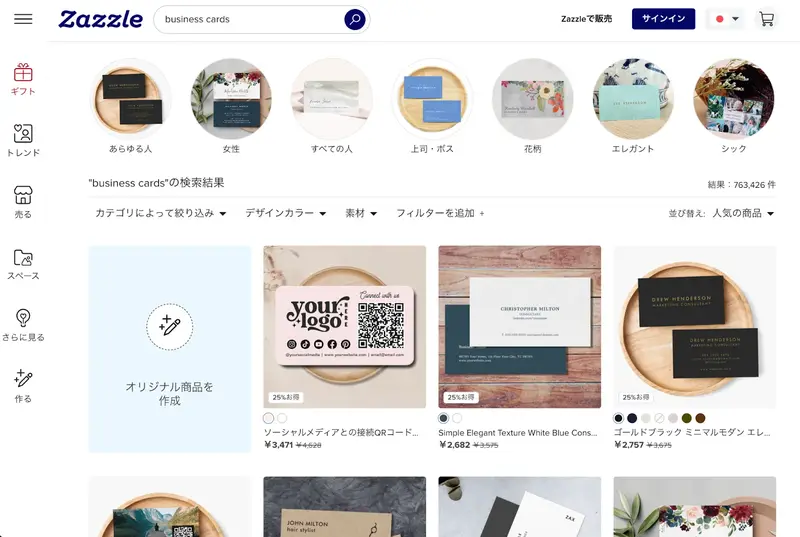
3. Zazzle
Zazzle allows you to create not only business cards, but also name tags, stickers, and more, using unique designs from independent creators around the world. For business card creation, you can choose templates based on shape ("Standard," "Square," "Folded") and business type. It's also possible to create completely original business cards.



