 跨境独立站开店
Ways to Place Free Ads: Introducing Free Customer Acquisition Websites
This article introduces ways to place ads for free. It covers portal sites with no advertising costs and free promotional sites that allow you to attract customers for free, along with important points to keep in mind when placing free ads.






What are free ads?
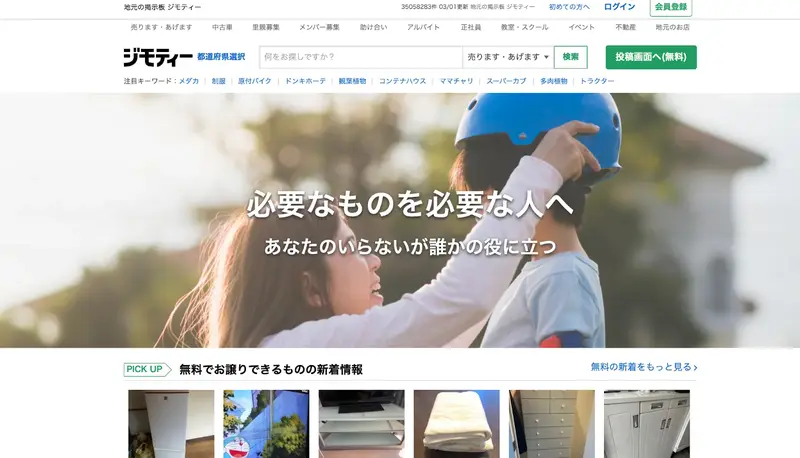
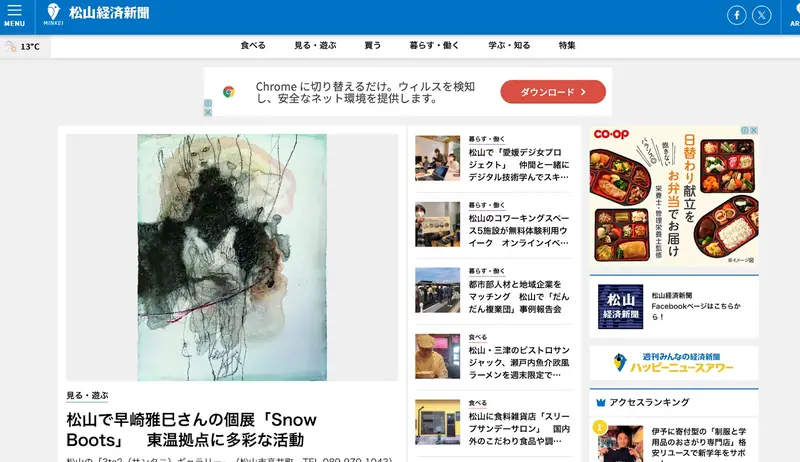
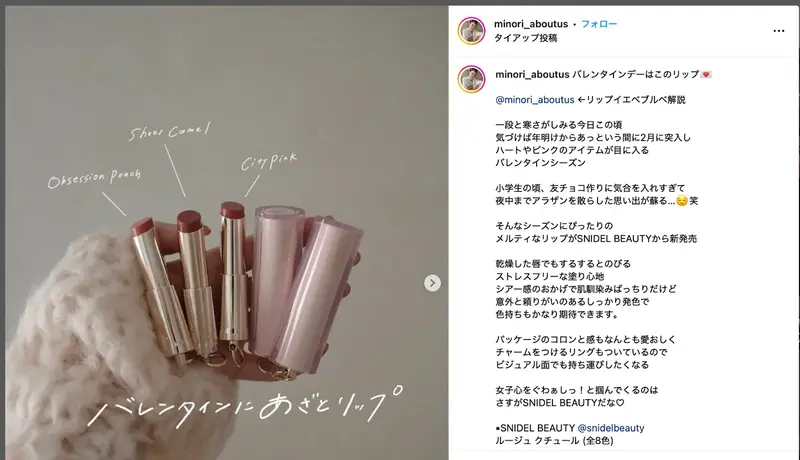
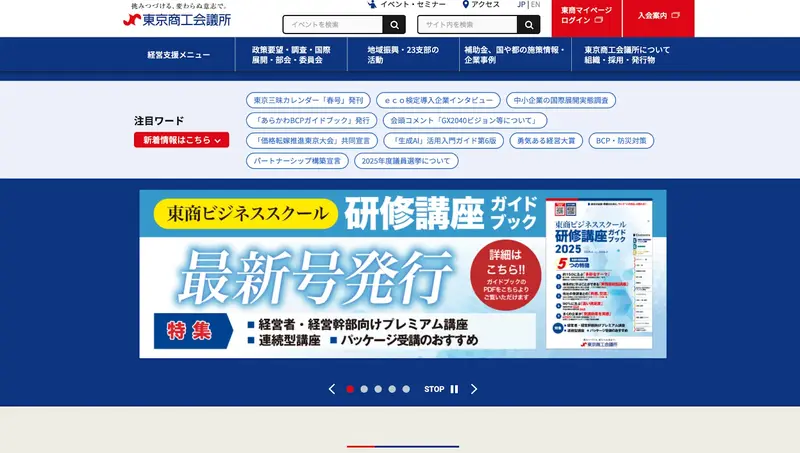
Free advertising is a promotional method that does not incur production costs or advertising media fees. Free advertising includes methods where companies handle production, publication, and management, such as word-of-mouth, social media posts, and content published on their own media, as well as methods where companies place advertisements on free customer acquisition sites and other advertising media to have their information published.
1. Google Business Profile
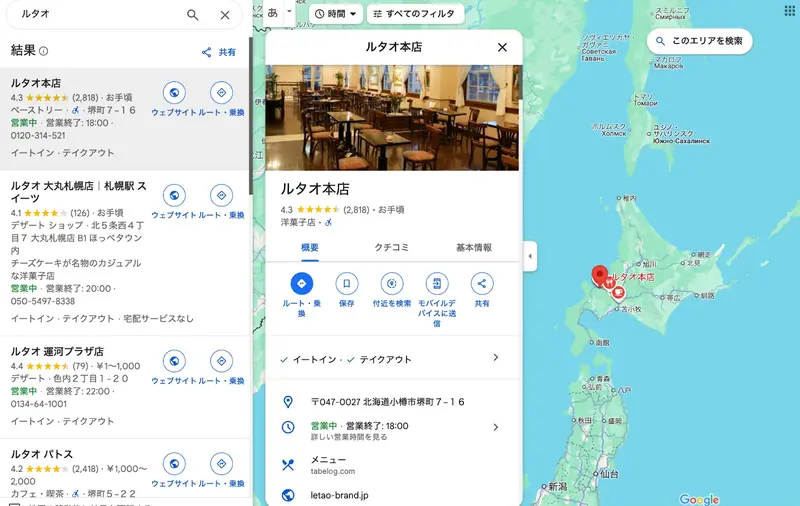
Google Business Profile is a free tool that allows you to display and manage your business or store information on Google Search Results and Google Maps. It supports a wide range of businesses, and even non-storefront businesses that interact with customers face-to-face, such as delivery services or cleaning services, can have a profile. While registration requires approval, all basic functions are available for free.
2. Google Shopping
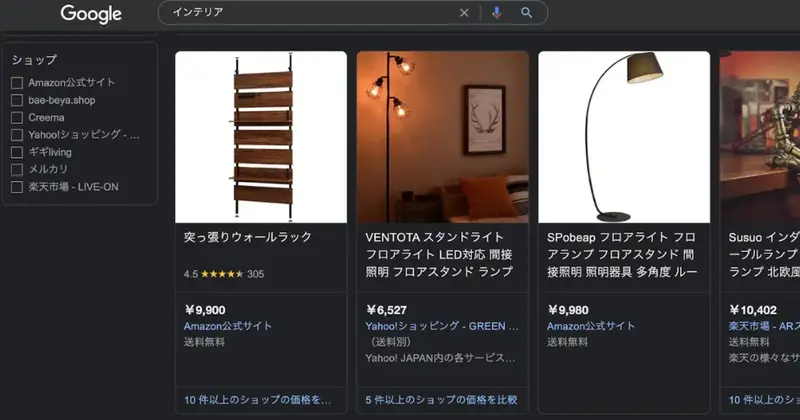
Google Shopping allows you to list product photos, product names, prices, and more for free. When a user clicks on a product, information from your online shop is displayed, and they can be directed to the product page, allowing you to directly encourage purchases.
3. Yahoo! Place
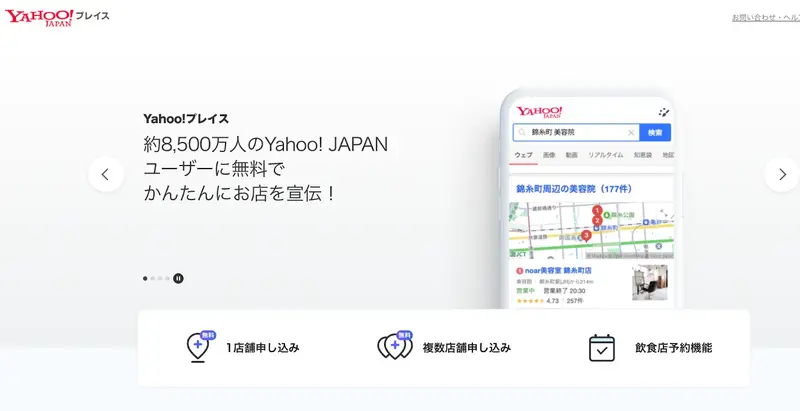
Yahoo! Place offers similar functionality to Google Business Profile, allowing you to efficiently share business and store information with users of Yahoo! Search, Yahoo! Maps, Yahoo! Loco (local information service), and other services.


