跨境独立站开店
Bulk-editing Shopify products without losing variant-level changes
Editing a large catalog one item at a time makes omissions easy. A bulk editor puts the selected products or variants beside the fields being changed so the operator can see the intended scope.
Editing a large catalog one item at a time makes omissions easy. A bulk editor puts the selected products or variants beside the fields being changed so the operator can see the intended scope.
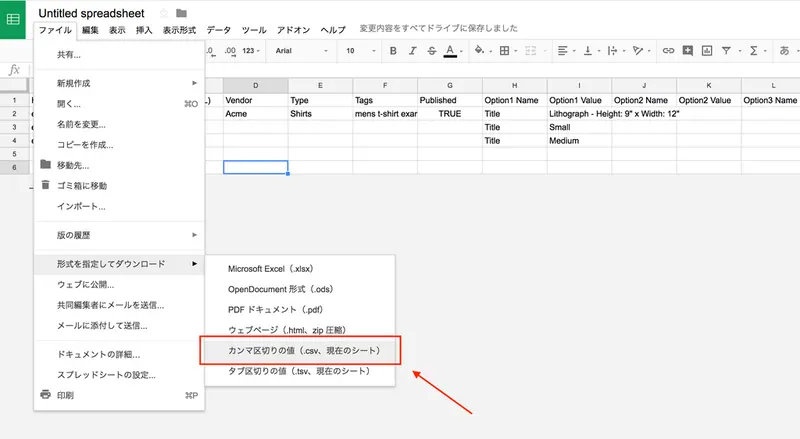
Filter the catalog, export the original records and note the selection criteria. Open only the columns required for the change. Distinguish item-level fields from variant-level fields and verify the row before applying values.
Save a small group first, inspecting the product page, collection and each affected variant before widening the change. For prices and inventory, retain both old values and the name of the person who made the update.