A Shopify primary-domain migration checklist for existing URLs
Changing a domain affects storefront access and the relationship search engines see between old and new addresses. Before the move, collect representative home, product, collection and article URLs.
Changing a domain affects storefront access and the relationship search engines see between old and new addresses. Before the move, collect representative home, product, collection and article URLs.
Connect the new domain, verify its certificate and set it as primary. Open old links to confirm they reach equivalent content. Review the sitemap, canonical URLs and analytics settings, then use verified search-management tools for the move where applicable.
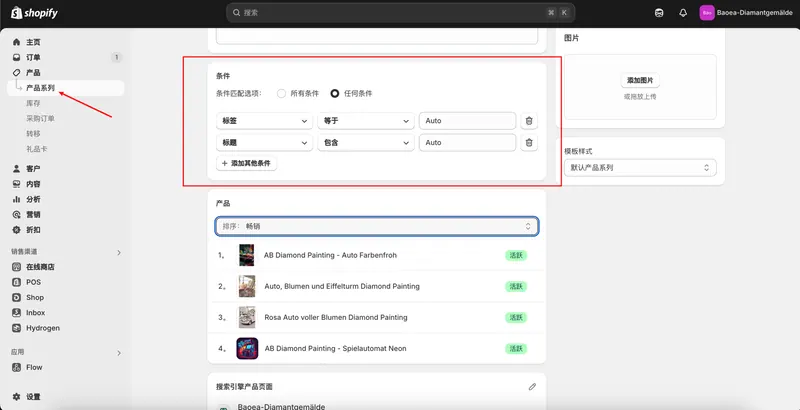
The same items can be grouped by material, use or audience. When two collections contain nearly identical selections, identify the separate buyer questions each page would answer before maintaining both.
A product page explains a specific item, while a blog can answer buying questions such as how two materials compare or how to choose a size. Group the terms customers actually use into topics before drafting posts.
A sitemap lists URLs a store would like search engines to discover. Before submission, verify the primary domain and confirm that the pages intended for search are publicly accessible.
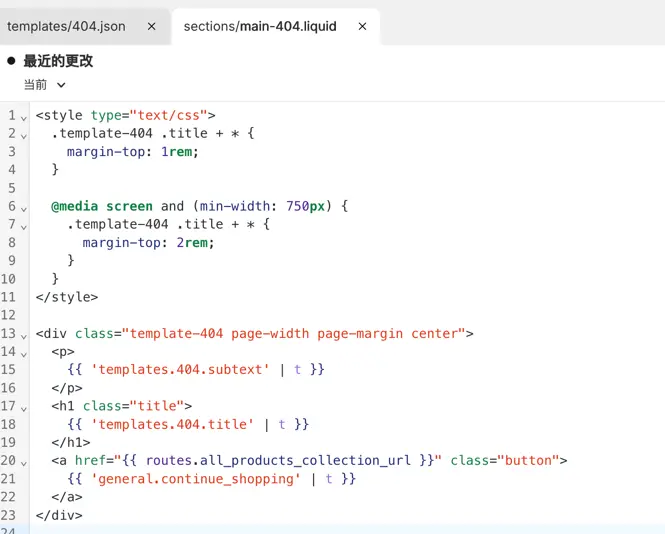
When migrating, renaming, or removing products, it's necessary to handle old addresses that are still used by visitors and search engines. Each redirect should have a clearly defined target page.
 跨境独立站开店