Organizing Shopify Files and referencing product images in a CSV
The Files area centralizes product imagery and images used in articles. For a bulk import, upload the media first and put the corresponding address on the correct product row.
The Files area centralizes product imagery and images used in articles. For a bulk import, upload the media first and put the corresponding address on the correct product row.
Track image addresses by product identifier so similar colors do not get mixed up. Use one item with two photo angles to confirm order and clarity on the storefront. Check blog posts and theme sections before deleting old media.
A studio photograph can make three sizes of a pet bed look identical. An early Size Link example translated the measured length, width and height into a box that a shopper could view on a phone.
A collection card often displays a single image. Choose a lead photo that identifies the item before adding alternative angles, a size reference and any demonstration media.
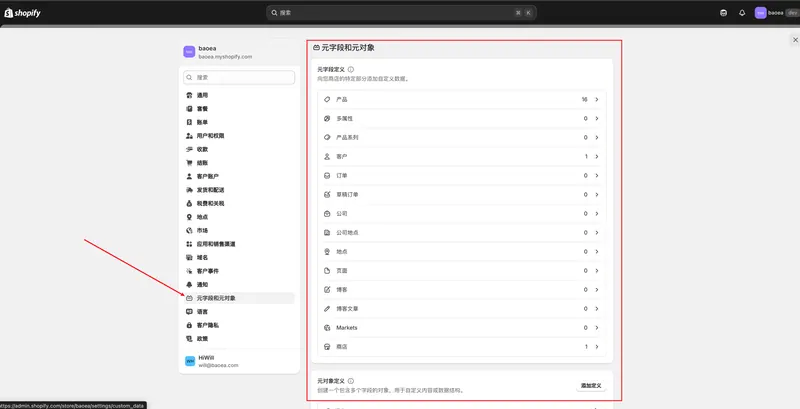
When every item in a category needs material and care details, shared metafield definitions make those values easier to maintain. The definition establishes the data type while each product supplies its own value.
An older trend list featured items such as pet beds, sofa covers and beard styling accessories. The examples reflect the period in which the list was compiled. A new sourcing decision needs fresh checks for the target region and season.
 跨境独立站开店