 跨境独立站开店
Methods, tips, and useful tools for collecting email addresses
This guide will show you how to collect email addresses from customers and potential customers. Learn tips and useful tools for acquiring email addresses to help your email marketing efforts.


What is email address collection?
Email address collection involves obtaining email addresses from customers and potential customers through websites, social media, and other means. These collected email addresses can be used for sending newsletters, campaign announcements, and new product notifications. Furthermore, by sending information, offers, helpful content, the latest news, and behind-the-scenes glimpses tailored to the interests and attributes of subscribers, it can contribute to brand building.
How to collect email addresses
Encourage customers to register their email address at the time of purchase: When purchasing products on e-commerce sites, ask customers to enter their email address. Since the email address will also be used for purchase confirmations and shipping notifications, this is an easy and natural way to collect it.
1. Win over a little Jesus
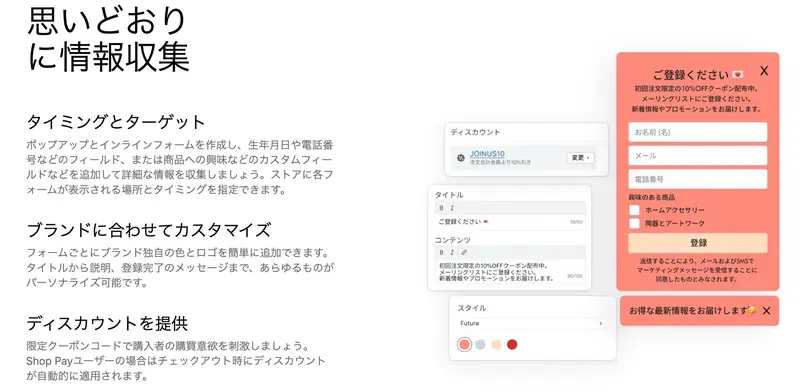
Before prompting users to enter their email address, it's effective to use the "micro-yes" technique, which involves asking simple questions to elicit a "small yes." For example, you could ask an easy-to-answer question like, "Would you like to receive the 10% discount for your first purchase?" This makes it easier to encourage registration in stages rather than immediately asking for an email address.
2. Simplify the input fields.
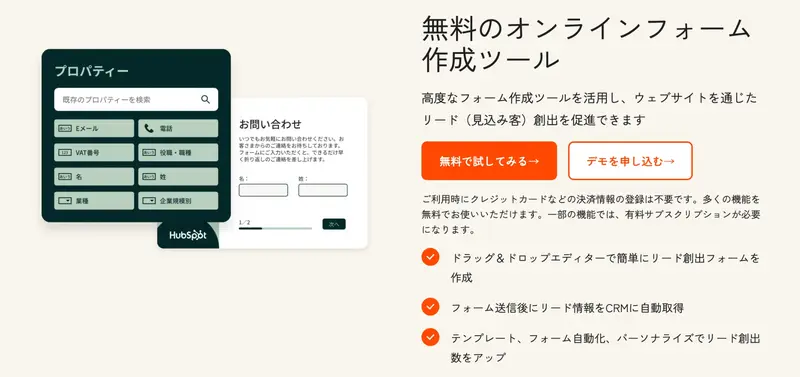
When creating an email address registration form, keep the input fields simple and avoid requesting more information than necessary. It's also important to clearly indicate what kind of information users will receive after registering, such as newsletters, campaign information, and new product announcements. By limiting the form's purpose and call to action to one each, users can register without confusion.


