Shopify's Passkey Feature: Convenience and Setup Instructions
This article explains the benefits and practical uses of Shopify's passkey feature. Let's learn more about biometric authentication and easy login using PINs.
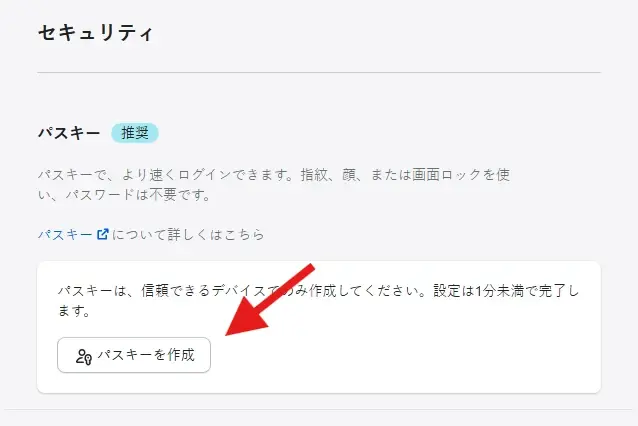
A Shopify passkey is a feature that allows you to securely verify your identity using facial recognition, fingerprint authentication, or a PIN when using Shopify services, without needing a password.
Benefits of Shopify Passkeys
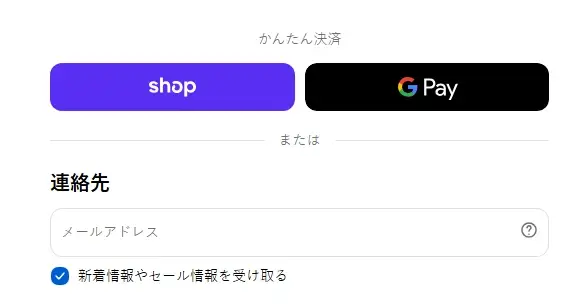
Faster checkout: Using a passkey for Shop Pay authentication eliminates the need for customers to wait for authentication SMS or email, allowing them to complete payments smoothly.
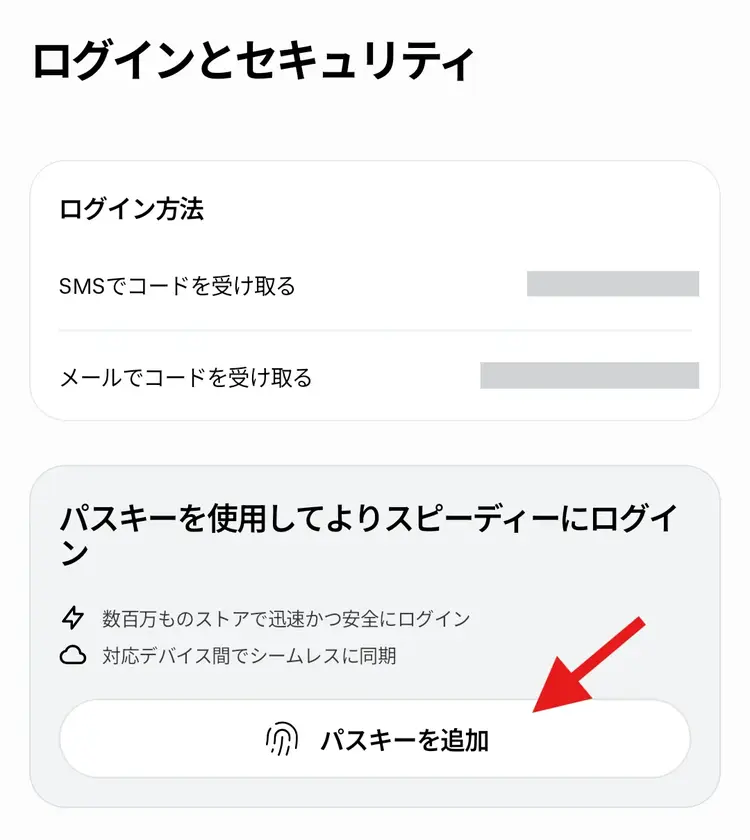
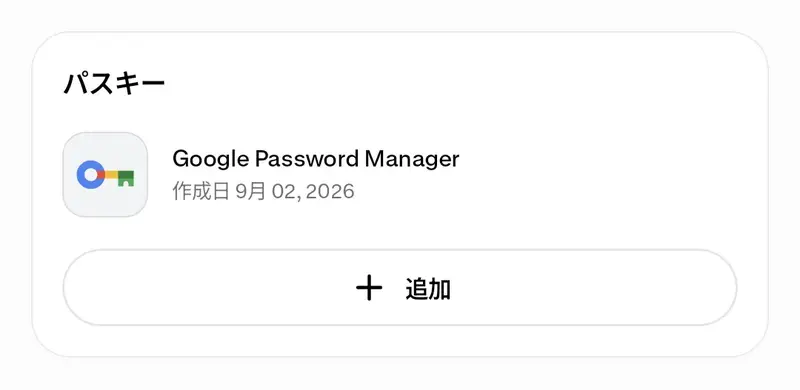
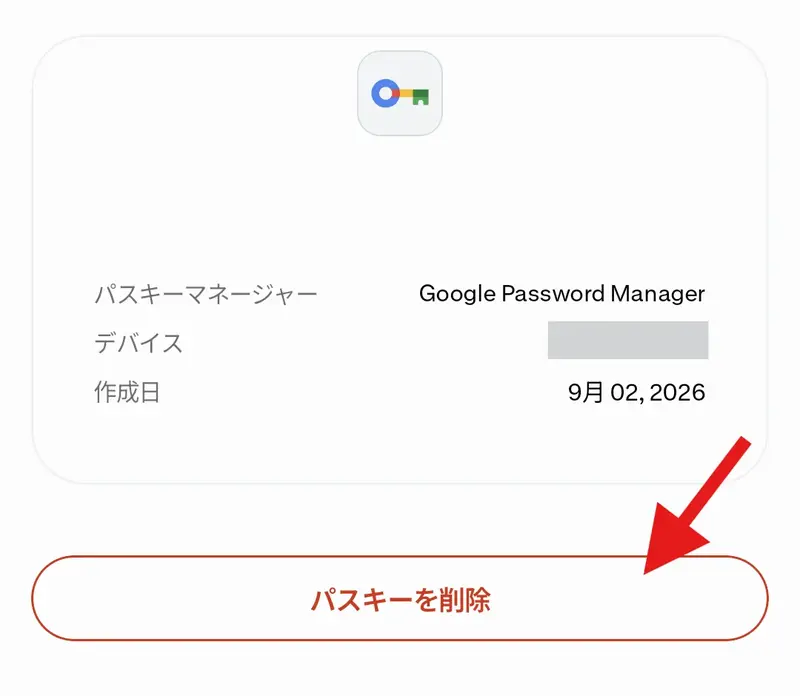
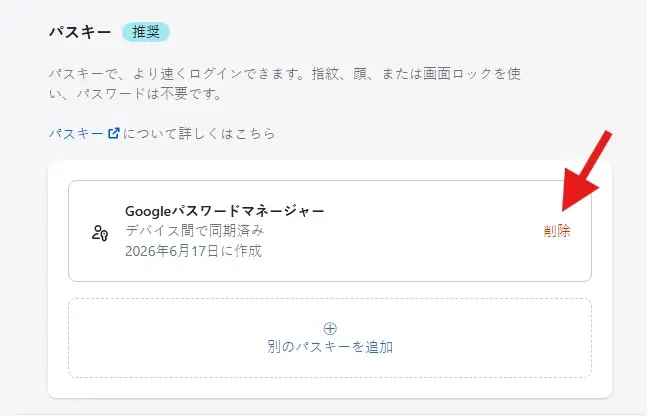
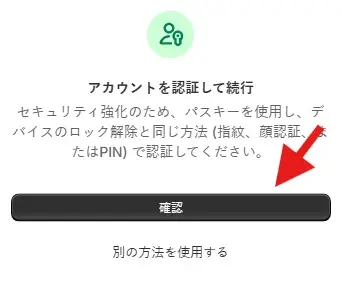
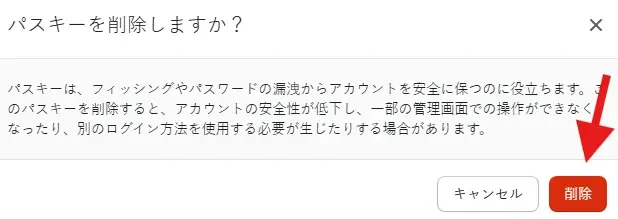
How to create a passkey in Shop
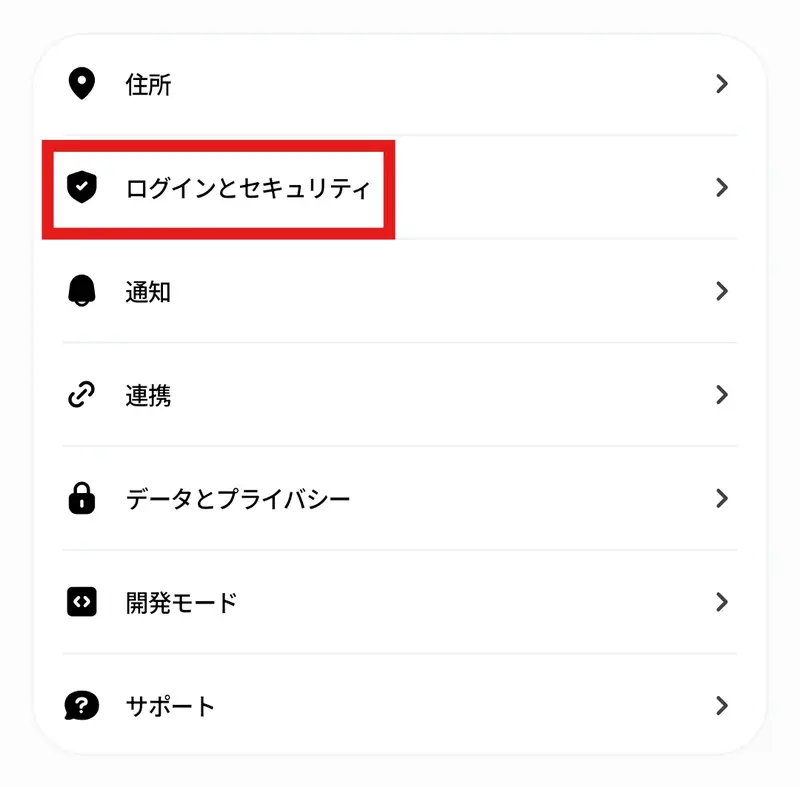
To set a passkey in Shop, tap the account icon on the Shop app's home screen to go to the settings screen, and then tap "Sign in & security".
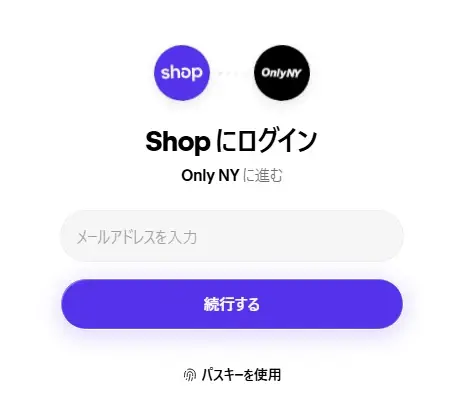
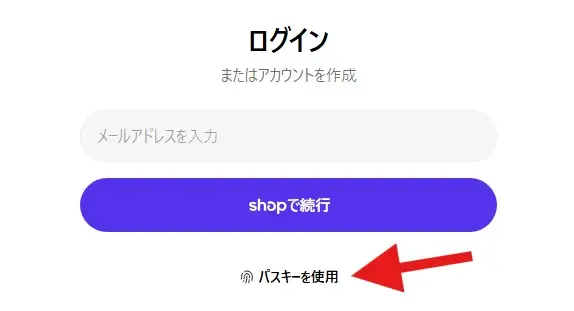
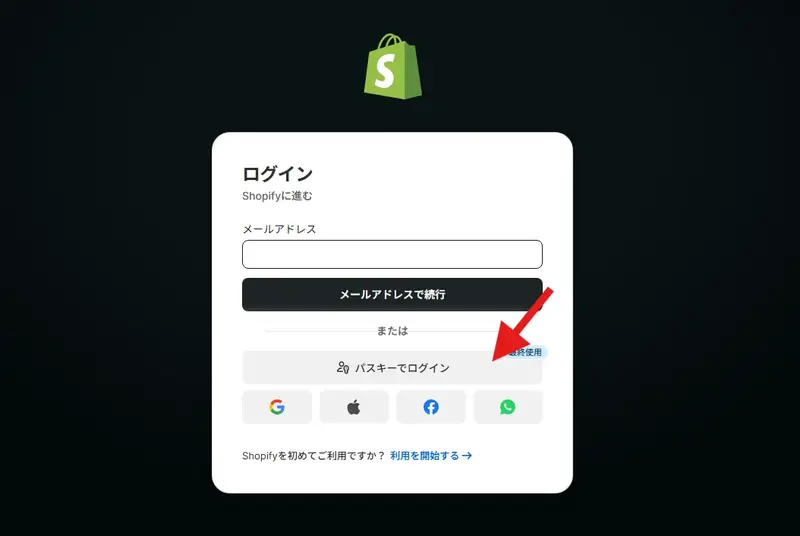
How to log in to My Page using your Shop passkey
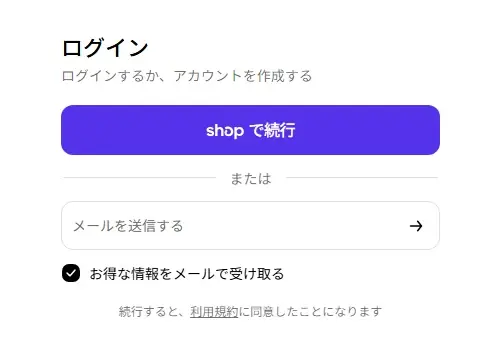
To log in to your Shopify store's My Page using your Shop passkey, tap "Continue with Shop" on the My Page login screen.
It depends on your target market for your independent website: which countries and regions, and what payment tools are commonly used there. For a Shopify independent website targeting an English-speaking market, what specific payment tools are used? 1) PayPal: PayPal is an e-wallet, similar to Alipay in China. PayPal is a mainstream payment tool in English-speaking countries. 2) Stripe is a popular credit card payment tool, though its brand recognition seems to be lower than PayPal.
To use PayPal as a payment method for your Shopify website, you must have a business account. Before registering, prepare the following: email address; business license (photo) of your company or sole proprietorship in mainland China; front and back of the legal representative's ID card; proof of address, such as a photo of the front and back of the legal representative's ID card or proof of office address. Here's how: How do I link my PayPal business account to my Shopify admin panel to receive payments?
Mainland sellers typically register Stripe accounts in Hong Kong or the United States. Since the application process for Stripe is generally the same across countries, I'll first briefly compare Hong Kong and US Stripe accounts, then focus on the registration process for a Hong Kong company account, and finally discuss some important points to note when using Stripe. Hong Kong Personal Stripe Account Registration Process (HK ID Required), Hong Kong Company
This article shares information about Payoneer, including what it is, how it receives sales payments from popular cross-border e-commerce platforms like Amazon and Lazada, its target audience for affiliate marketing platforms, common registration questions, and the registration process for personal and company accounts.
 跨境独立站开店