 跨境独立站开店
What is personalized marketing? Practical methods and examples.
This article explains the meaning and practical methods of personalized marketing, along with real-world examples. Learn how to effectively market to each individual customer.



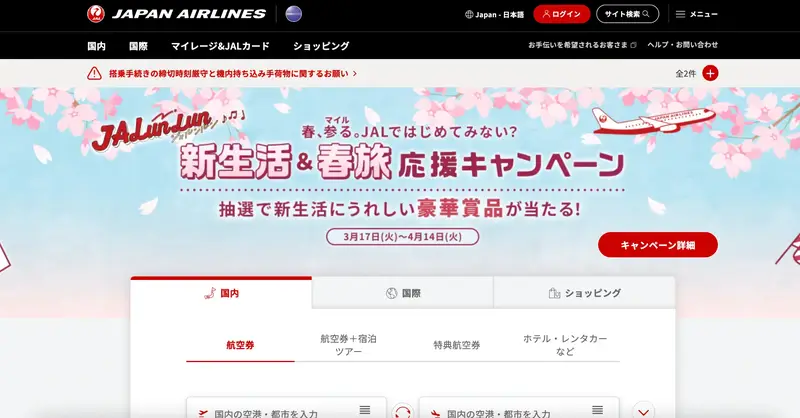
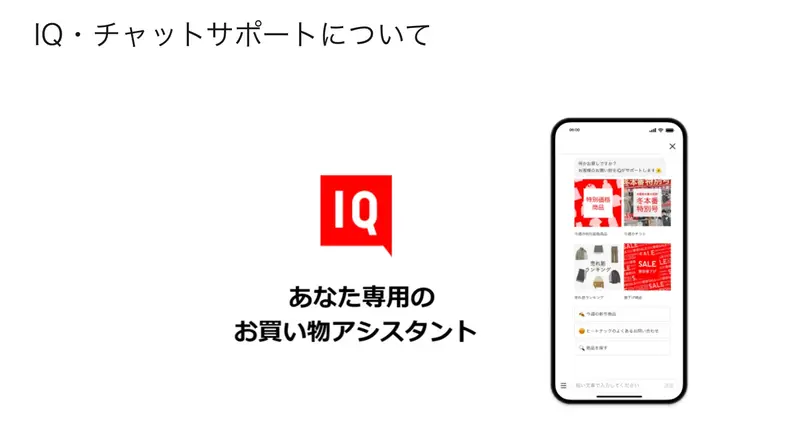
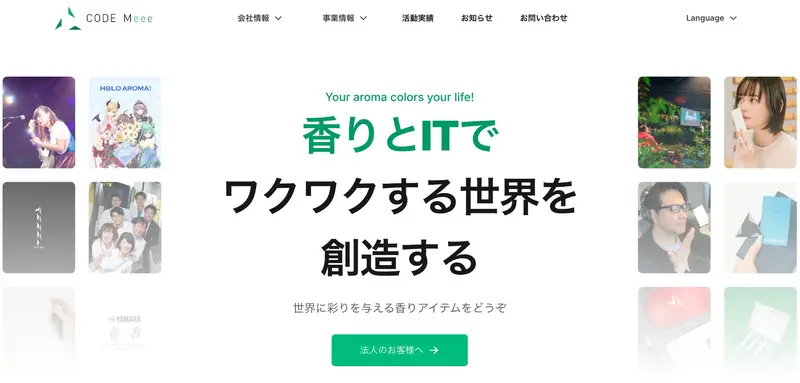
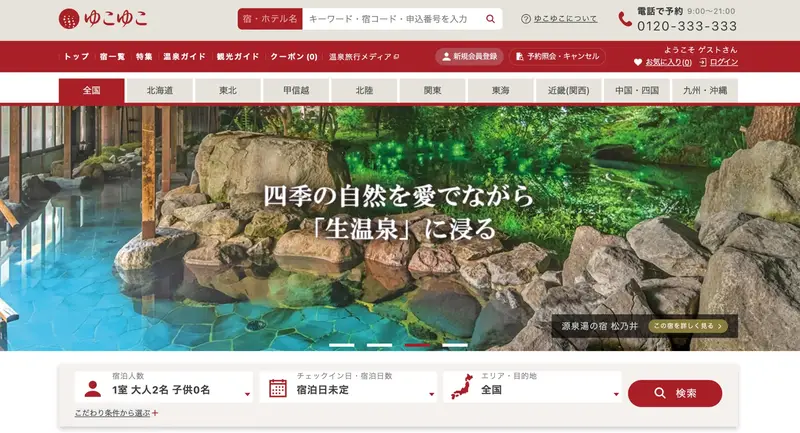
What is personalized marketing?
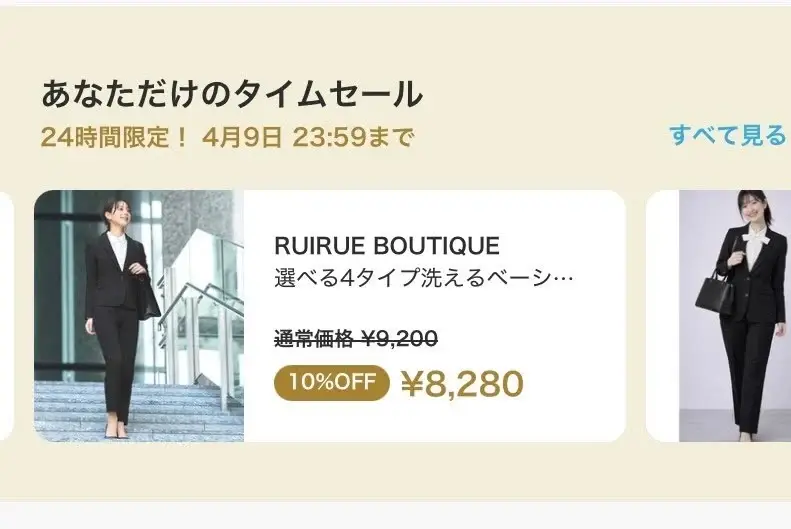
Personalized marketing is a marketing method that provides individually tailored information based on each customer's attributes, preferences, purchasing behavior, and behavioral history. By optimizing messages to match individual needs and timing, it is expected to improve the customer experience and customer loyalty.
Reasons to use personalized marketing
The benefits of using personalized marketing include improved customer satisfaction and increased sales.
1. Collection of zero-party data
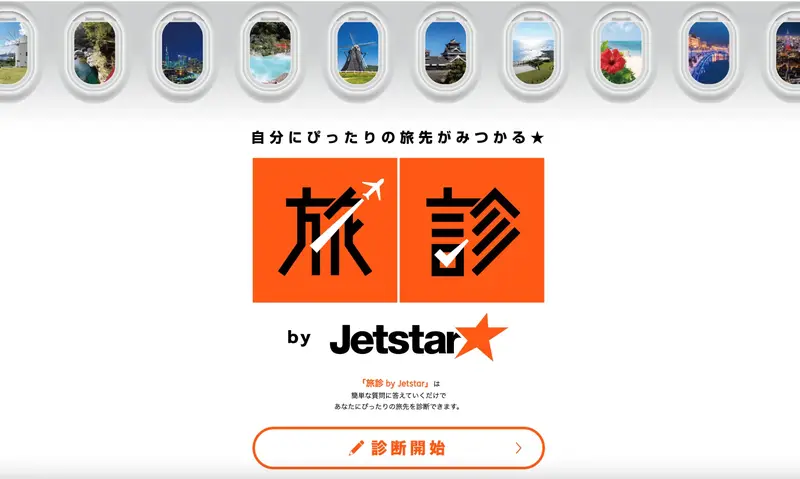
To deepen customer understanding, it is important to collect zero-party data that customers voluntarily provide, in addition to utilizing first-party data that can be collected from purchase history on your own website. Zero-party data can be collected primarily through the following methods:
2. Personalization of e-commerce sites
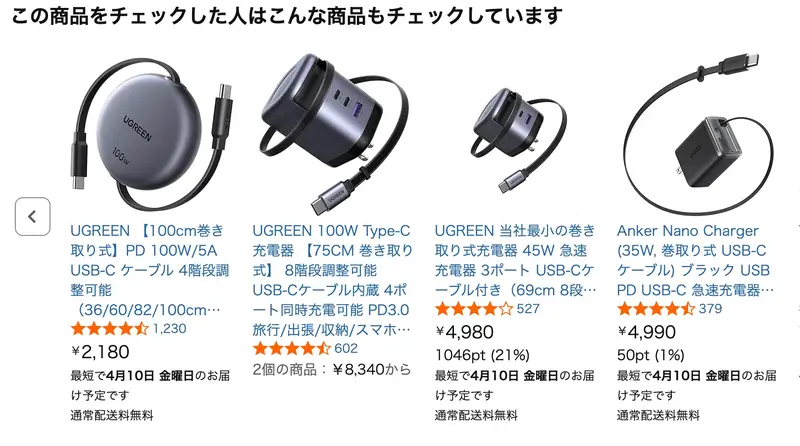
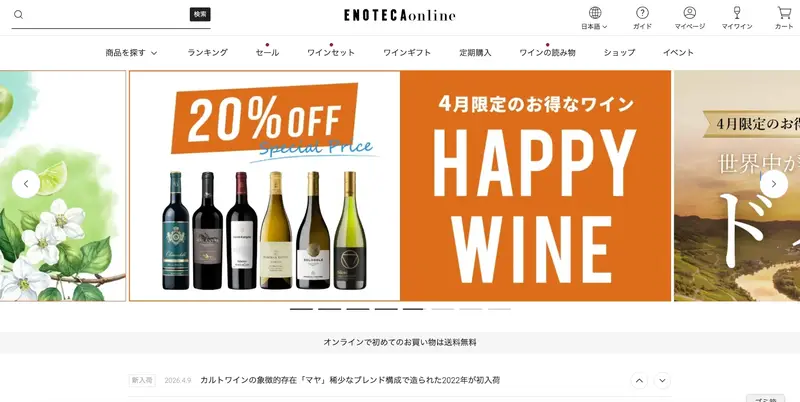
Personalizing e-commerce websites is effective in improving the customer experience and promoting cross-selling. E-commerce sites often feature recommendation functions that display products based on user registration information and search/browsing history, as well as products purchased by customers with similar attributes. By displaying similar products to those the user has viewed, customers can compare and consider multiple products without having to search themselves.


