跨境独立站开店
Shopify makes it easy! ways to customize your website design
This is the latest guide to customizing Shopify. Try customizing your site using the no-code editor, apps, and templates.


Shopify customization: its meaning and capabilities
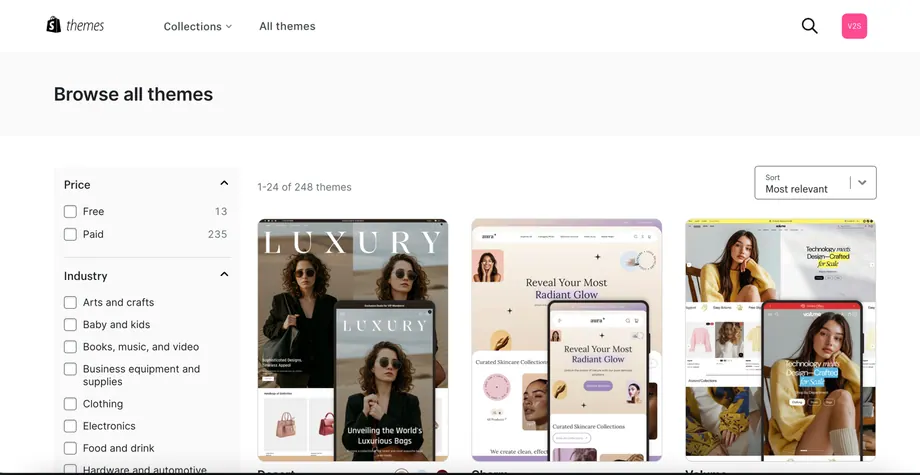
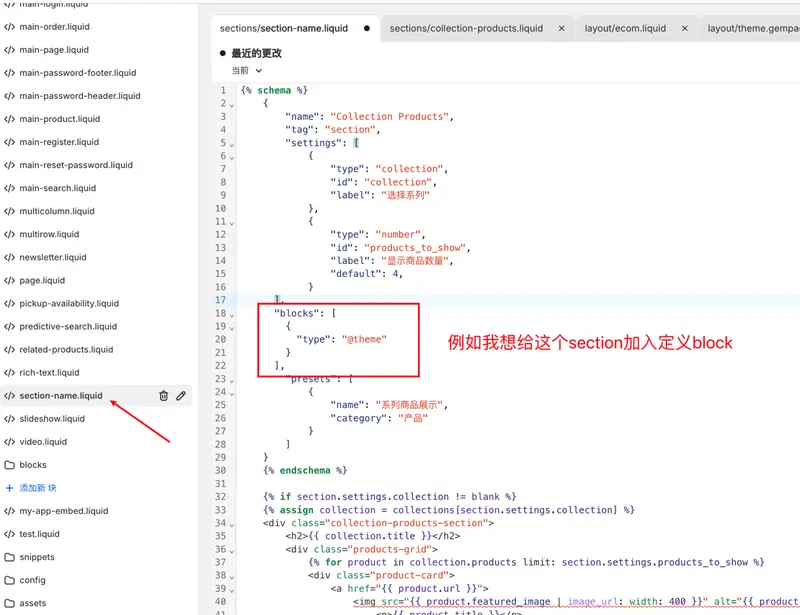
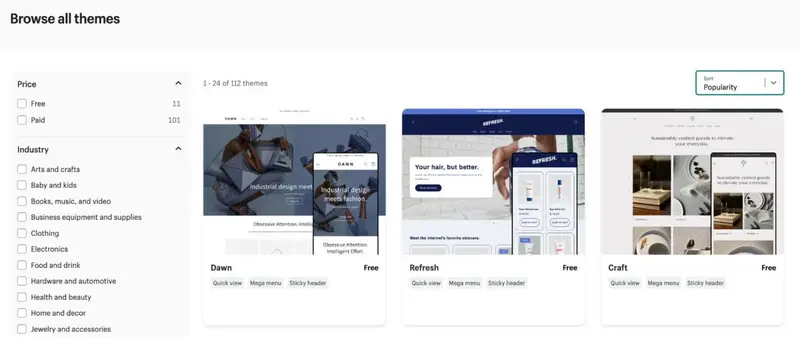
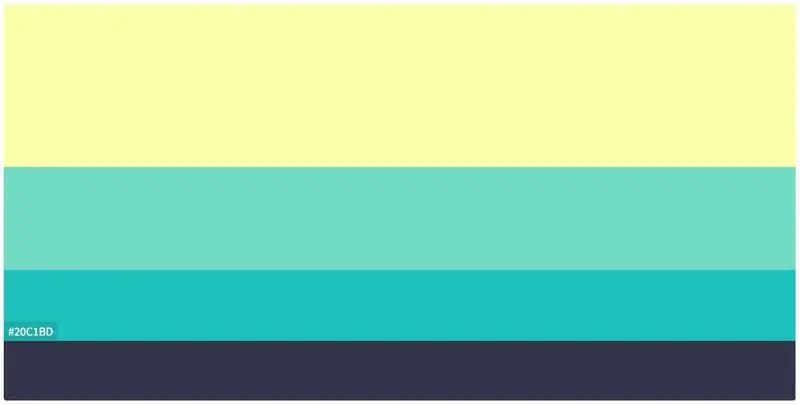
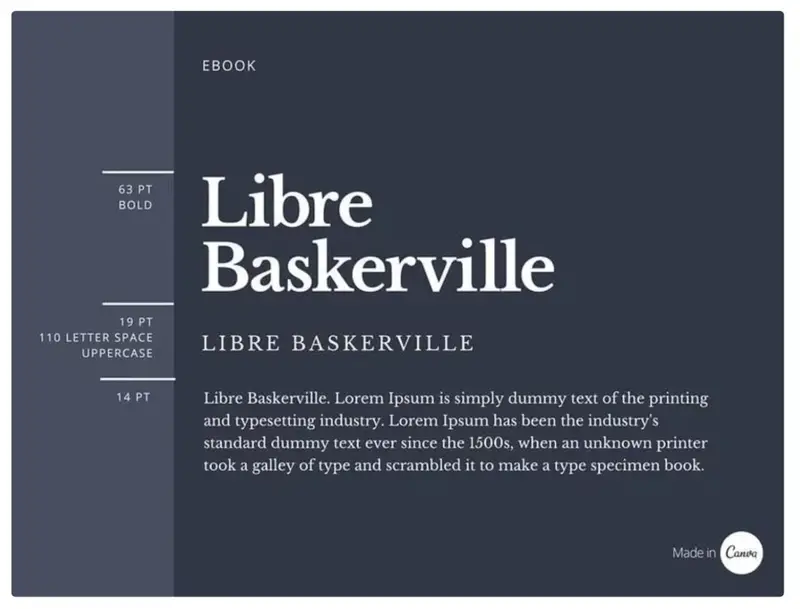
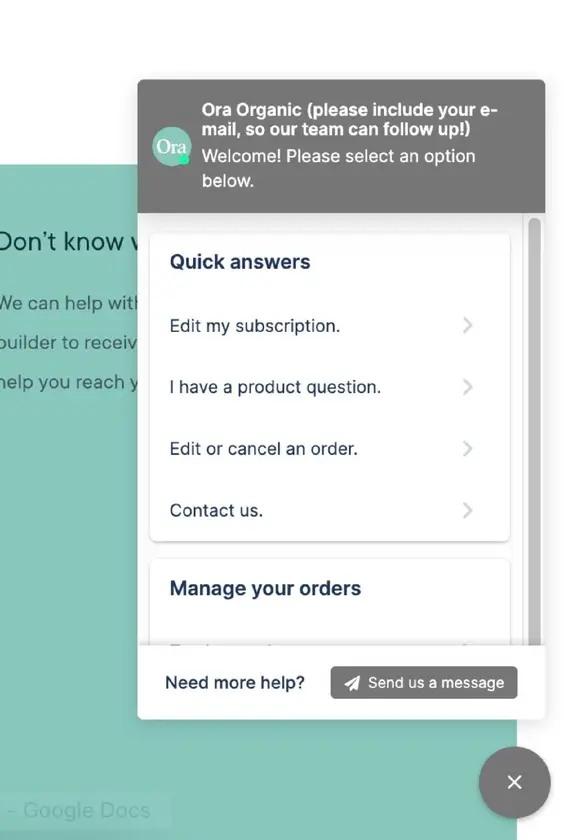
Shopify customization involves adjusting the design and functionality of your store to suit your brand. Shopify themes provide the basic layout and structure of pages. Customization then involves adjusting things like colors, fonts, images, page sections, apps, and the checkout experience.
Main types of Shopify customization
Depending on your goals and skills, there are several stages to customizing Shopify. It's recommended to start with adjustments you can make in the admin panel, and then utilize apps and developer support as needed.
Shopify Customization: Hire a Developer or Do It Yourself?
A major advantage of using a theme is that much of the structural design is predetermined. You don't have to worry about page layout or where to place each image or paragraph within a complex website builder.
Hire a Shopify developer
Web design beginners may initially be overwhelmed by the sheer number of options, but it's as simple as selecting your favorite colors with your mouse. For more complex features and designs, it's more cost-effective to hire an expert than to struggle through it yourself. This allows you to focus on other important tasks.