 跨境独立站开店
How to build trust with customers: ideas and specific examples
This article explains how to build trust with customers. We'll cover specific methods with examples to help you build long-term relationships and increase repeat business.




1. Show a more human side.
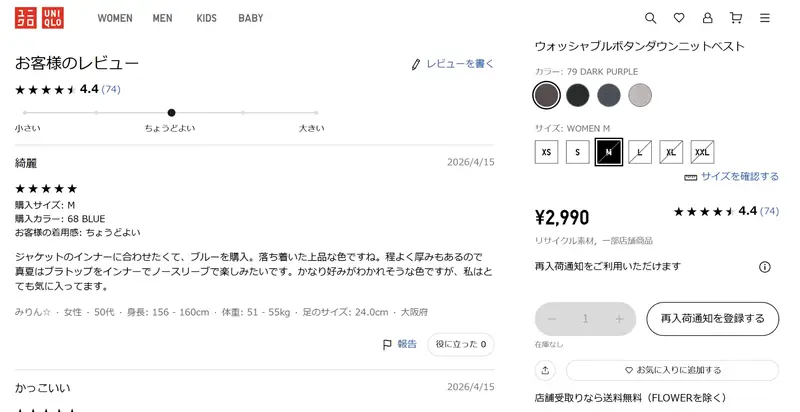
Showing a glimpse of your human side can ease consumer apprehension and build trust. Try introducing the people who make up your brand or business. Introducing the founders and team members helps customers realize that the brand is handcrafted and fosters a sense of familiarity.
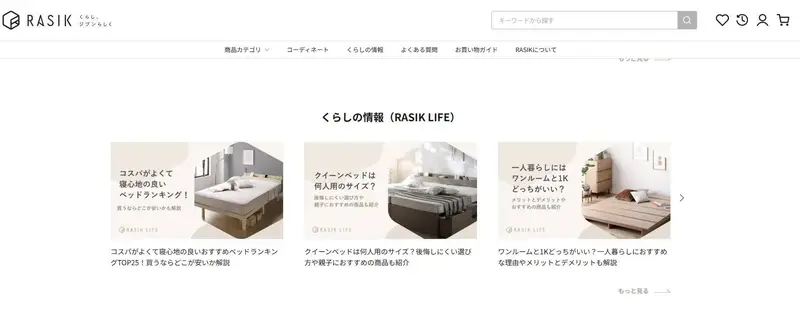
2. Building relationships with customers through content marketing
Content marketing is an effective way to reach consumers who are unfamiliar with your brand. By publishing helpful information, you can naturally introduce consumers to your brand. Strategically and consistently creating and publishing content demonstrates your commitment to solving business, industry, and customer challenges, leading to increased customer trust.
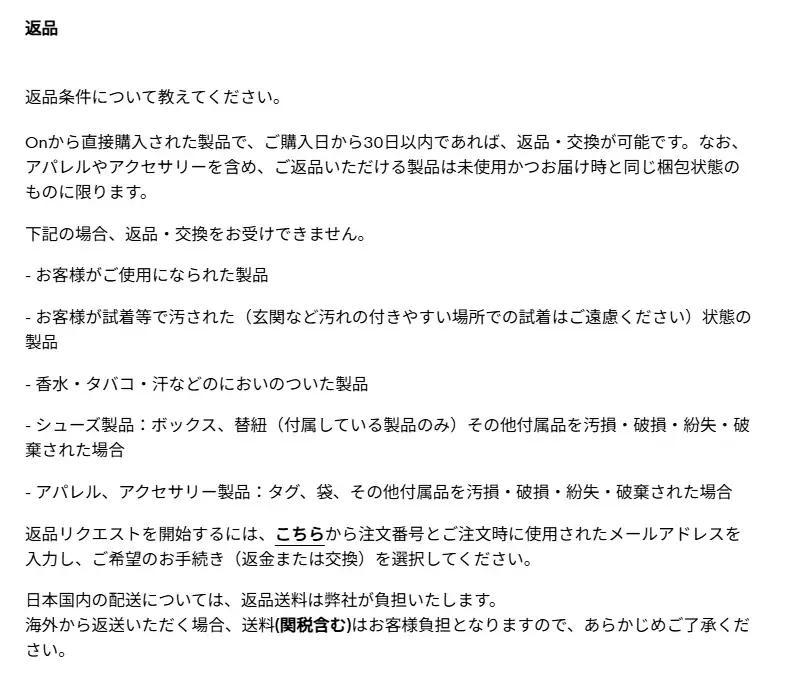
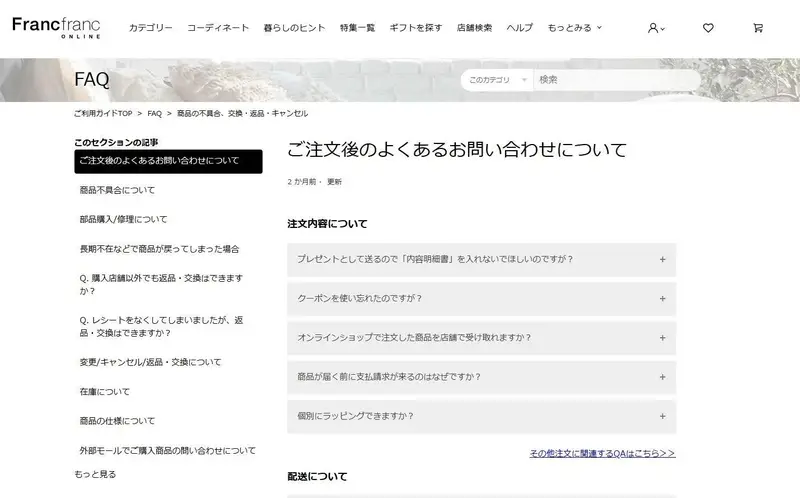
3. Visualize security measures.
Making security measures visible is essential for building trust with customers. Cybersecurity is a particularly critical issue for e-commerce site operators handling personal information. Clearly state the security measures you are taking to demonstrate that your site is safe and secure.
4. Offer multiple payment methods.
Offering multiple payment methods is an effective way to ensure customers feel secure making purchases. For example, providing options like PayPal or buy-now-pay-later services allows you to offer consumers more payment choices and enhances convenience. Some consumers are hesitant to enter their credit card information on a website. Creating an environment where customers can choose their own payment method is also effective in preventing shopping cart abandonment.


