 跨境独立站开店
What is an e-commerce customer journey? Analysis and construction methods
This article explains the meaning and construction methods of customer journeys in e-commerce. Review the stages and analysis methods of the customer journey to design an effective customer experience.
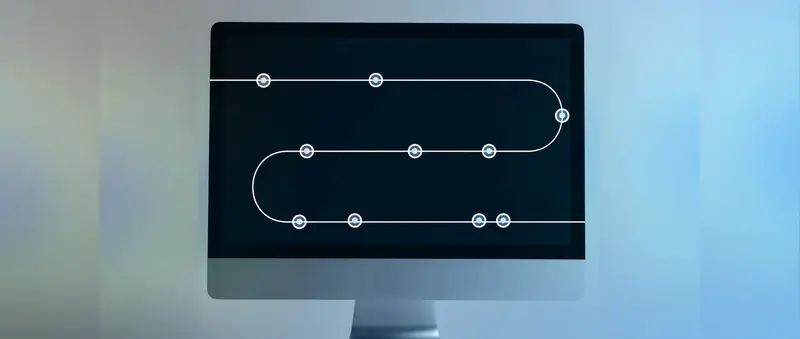






What is an e-commerce customer journey?
In e-commerce, the customer journey refers to the entire customer experience from the moment a customer becomes aware of a brand until they make a purchase. Specifically, this includes browsing and comparing products, payment, and customer support.
1. Cognition
This is the stage where customers first become aware of a brand or product. Initial contact occurs through various channels such as social media ads, search engines, influencer posts, and word-of-mouth from acquaintances. Since purchase intent is not yet high at this stage, the goal is to build a lasting relationship with the customer while increasing their interest in the brand.
2. Comparison and Examination
This is the stage where customers, having learned about a brand or product, consider whether or not to purchase it. They compare it with competitors' websites, considering various aspects such as price, quality, reviews, shipping conditions, and return policies. At this stage, psychological hesitation often arises, such as "Is this really right for me?" or "Are there better options?", so measures to encourage purchase are necessary.
3. Purchase
This is the stage where customers, having finished comparing and considering options, actually make a purchase. Purchases can take various forms, including purchases made through the company's own e-commerce site, marketplaces, and physical stores, as well as subscriptions.


