 跨境独立站开店
What is a customer journey map? Explanation of its purpose, types, and how to create one.
A "customer journey" is a metaphor for the process a customer goes through to reach their goal, such as finding a product or brand they are interested in, accessing a website, deciding to purchase the product, completing the transaction, and receiving support. A "customer journey map" visualizes this process in the form of a map, allowing for a deeper understanding of customer behavior and satisfaction.







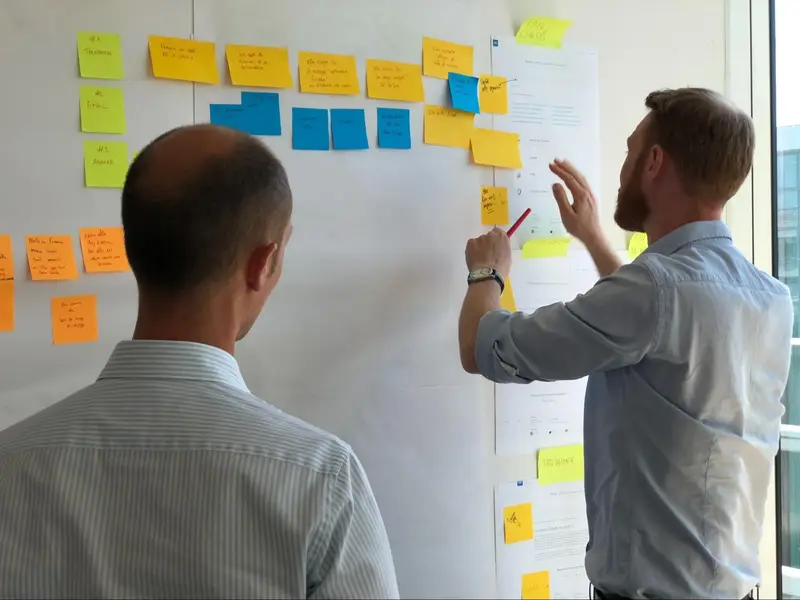
What is a customer journey map?
You may also want to map the usage of product support and customer service after purchase. While maps can be created using simple text or spreadsheets, a more effective document is one that organizes each phase, action, and touchpoint (points where the user interacts with the brand) of the customer journey on a timeline.
Elements that make up a customer journey map
A customer journey unfolds like a story. A story has a plot and setting, progressing towards a final conclusion or destination. In this story, the customer is the protagonist. The elements that make up a customer journey include the following:
1. Buyer Persona
The "buyer persona" is the main character of the customer journey. This is a fictional character (=persona) created based on actual customer data, and is set up as a character that represents a specific customer segment. It is also called a buyer persona. Different customer journeys exist for different types of customers.
2. Scenario
A good story features characters who act based on needs and expectations and who have a clear purpose. Buyer personas are also defined as beings who act towards specific goals.


