 跨境独立站开店
What is funnel analysis? We'll introduce its uses and success stories.
This article provides a detailed explanation of the basic concepts and applications of funnel analysis, as well as how to identify gaps in your funnel. Understand funnel analysis and use it to improve your sales and marketing strategies.






What is funnel analysis?
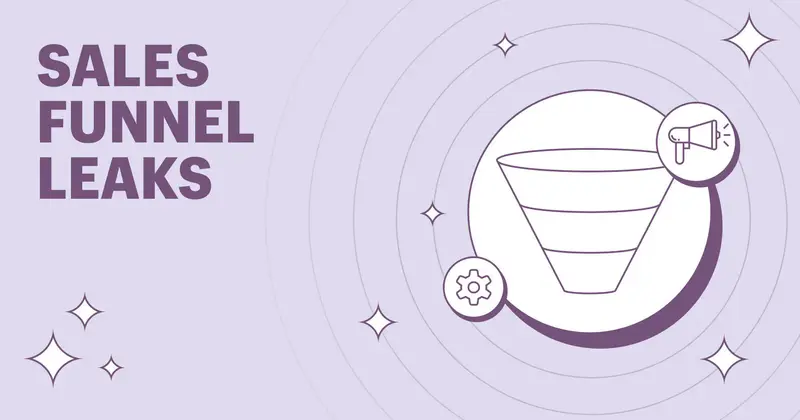
Funnel analysis is a method of analyzing the process a consumer goes through from becoming aware of a brand and developing an interest to making a purchase, breaking it down into stages and analyzing their behavior and psychology. The process of narrowing down potential customers as they progress is likened to a funnel, revealing how many users drop off at each step and identifying which stages are bottlenecks.
Check the funnel reach rate.
Funnel analysis first examines the conversion rate to the next action at each step, visualizing at which stage users are dropping off significantly. Low conversion rates may indicate underlying problems such as user anxiety, insufficient information, or difficulty in understanding the interface. By first identifying areas for improvement through quantitative analysis based on specific metrics and figures, the most effective measures can be prioritized.
Analyze user flow
Once you've identified "at which step" users dropped off, you can then formulate hypotheses about "why" they dropped off. This is where analyzing the user journey becomes effective.
Verify with improvement measures
Once we've identified the points where users might drop off and hypothesized the reasons behind it, the next step is to develop and implement improvement measures based on qualitative research that analyzes user psychology and behavioral patterns.


