 跨境独立站开店
ways to advertise on Facebook for free: How to advertise for free
This article will show you how to advertise on Facebook for free. Learn the techniques and key points for promoting your products without incurring costs.

1. Create a Facebook page
A Facebook Page is a page where brands and companies can share business information. You can include a self-introduction and a link to your website, and using a feature called action buttons, you can add calls to action (CTAs) such as "Buy Now" or "Send a Message," allowing you to efficiently promote your business to page visitors.
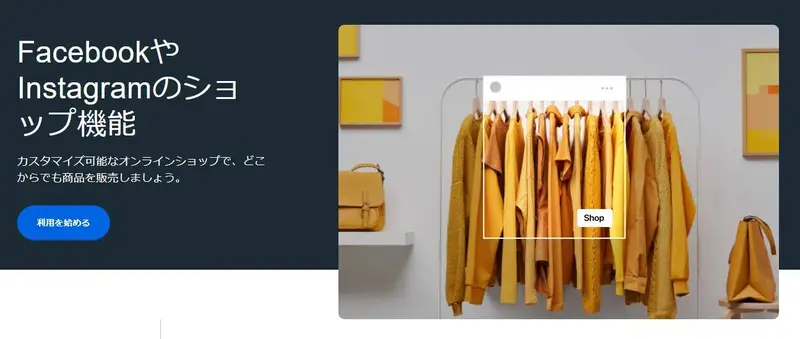
2. Create a Facebook Shop
If you sell products on e-commerce sites or marketplaces, creating a Facebook Shop is a free and effective way to advertise. You can encourage traffic to your shop from your Facebook and Instagram profiles, feeds, stories, and reels, allowing you to widely advertise to your followers and potential customers and acquire new customers.
3. Take advantage of free Meta ad credits.
You can run Facebook ads for free by obtaining Meta ad credits through limited-time promotions or external websites and companies that have partnered with Meta. Utilizing free Meta credits is ideal when securing advertising budgets is difficult or when you want to run ads experimentally to see how effective they are.
4. Implement content marketing.
You can also promote your business for free by using content marketing on Facebook to share helpful information with consumers. Post information that is useful to your target audience, such as how to use your products, everyday photos and videos, etc.


