跨境独立站开店
Basic functions and campaign management software options
This article introduces the features and benefits of campaign management software, as well as recommended tools available in Japanese.


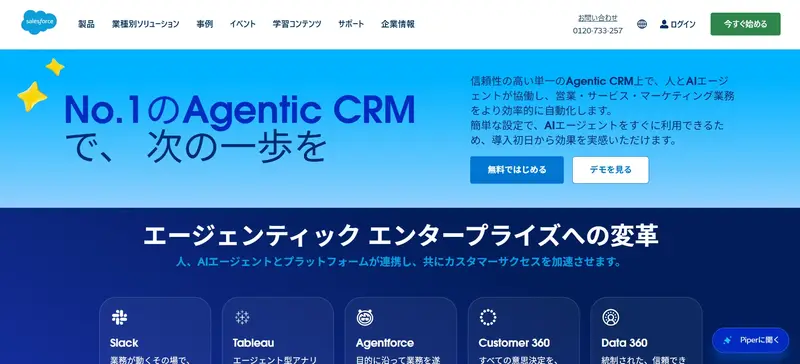
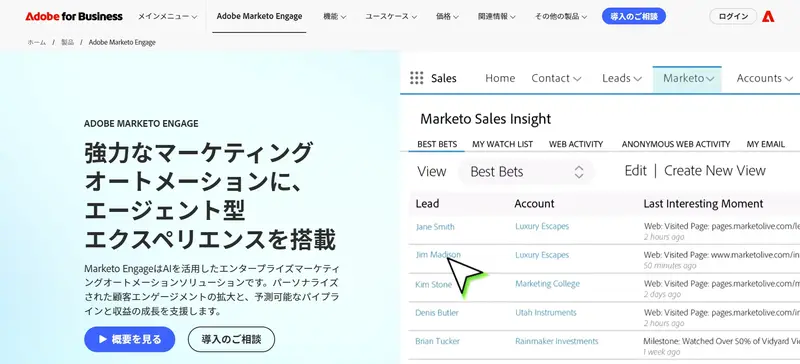
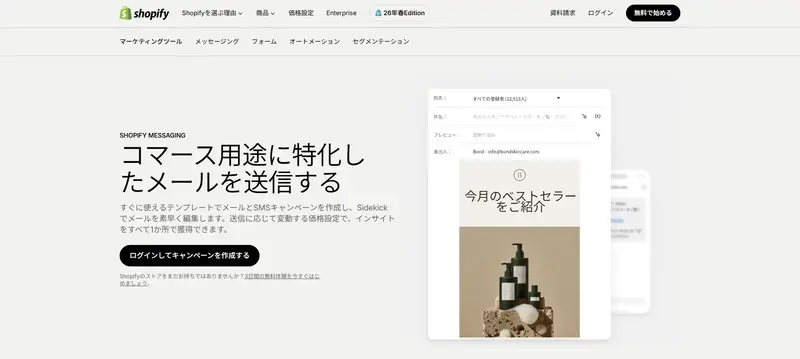
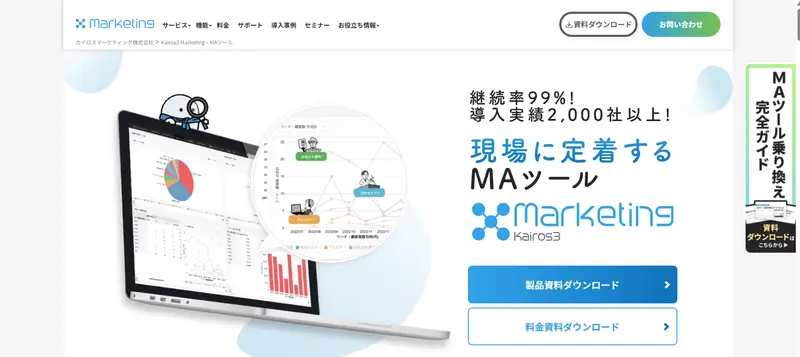
What is campaign management software?
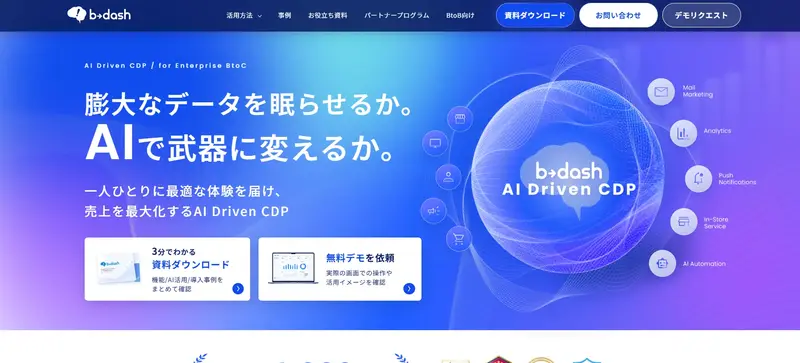
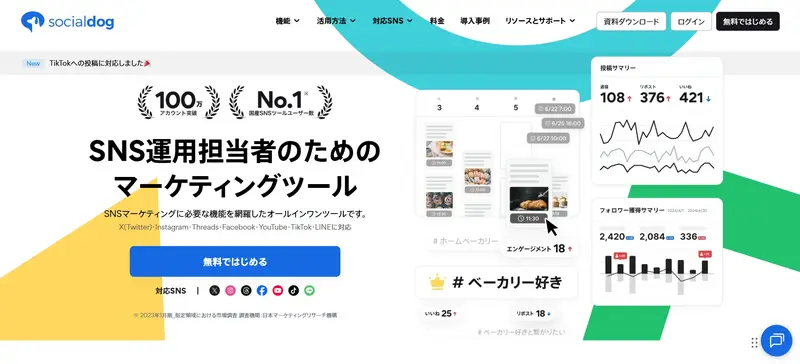
Campaign management software is a tool for centrally managing marketing initiatives across multiple marketing channels, such as email, social media, and search engines, from planning and execution to performance measurement. It includes features such as setting delivery schedules, segmenting targets, personalizing content, and analytics.
User-friendly admin panel
Campaign management software is designed to be user-friendly and intuitive. For example, it features easy-to-understand navigation, drag-and-drop editing capabilities, and a well-organized dashboard.
Integration with external tools
Integrating with external tools makes it easier to implement strategies without fragmentation. Because customer information and performance data can be shared between systems, strategies can be developed based on the latest data, from lead generation to analysis.
Team-based collaborative management
Collaborative management features allow team members to work together even in remote environments. Depending on the software, you can assign responsibilities, set deadlines, and share progress directly within the tool. Integrating with project management tools like Asana or Backlog allows you to view deliverables and budget information in one place, streamlining project progress management and information sharing among stakeholders.