 跨境独立站开店
Shopify Sales Success Strategy: How to Utilize Social Proof with Instagram
As online review sites like Google and Facebook expand in e-commerce, the reach to purchase intent is increasing. Unlike marketing from the brand's side, reviews and customer feedback are in a position that is beyond the brand's control.
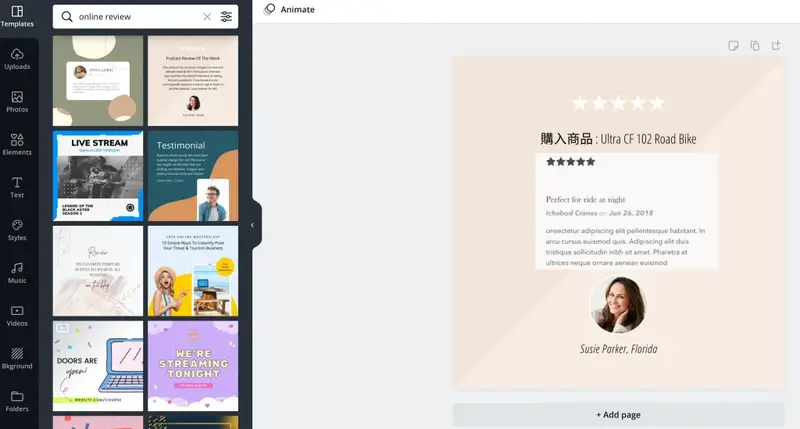


What is Instagram's social proof?
Social proof, in Japanese, translates to "social proof." In short, it's the concept that people follow the behavior of the masses. For example, wouldn't you be more inclined to pay attention to a hotel with 500 TripAdvisor reviews than one with only 5 reviews, regardless of the content of the reviews, because it's attracting more customers? Or, the tendency to prefer a restaurant that's somewhat full of customers over an empty one is also due to the effect of social proof.
Why Instagram?
Furthermore, according to one report, 130 million Instagram accounts use product tags.
Two steps to get started
This assumes you already have an Instagram business profile (professional account).
Step 1: Create a dedicated Instagram account to feature customer testimonials.
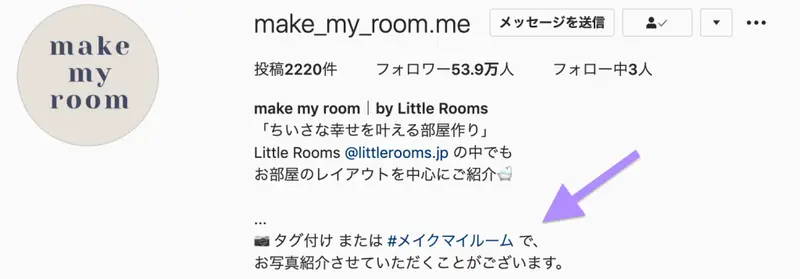
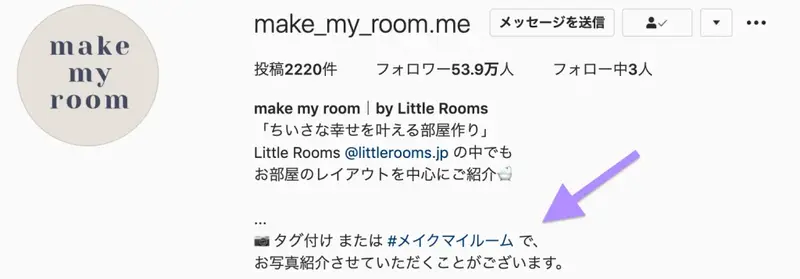
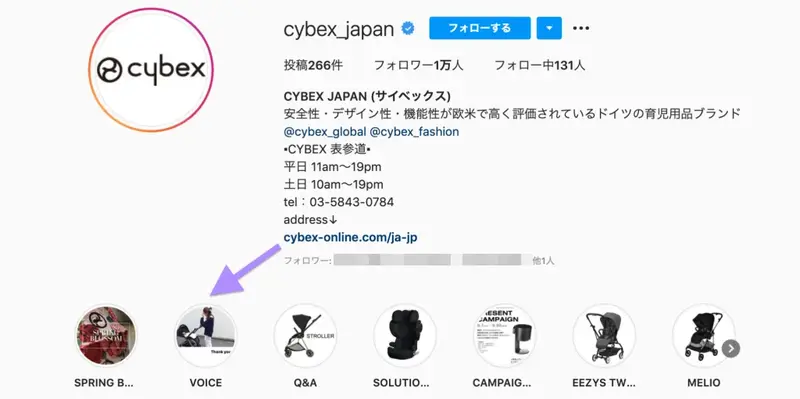
If you're using customer testimonials on Instagram, create a second Instagram account rather than your main brand account. Customer reviews come in many forms, and it can be difficult to match the style of your main account. When a user taps on a tagged profile in the Bio section of your main account, Instagram will redirect them to the profile that focuses on customer reviews.


