 跨境独立站开店
Optimize B2B self-service purchasing with customer account extensions.
Customer account extensions allow B2B businesses to customize the self-service purchasing process, ensuring they can meet the specific needs of their customers.
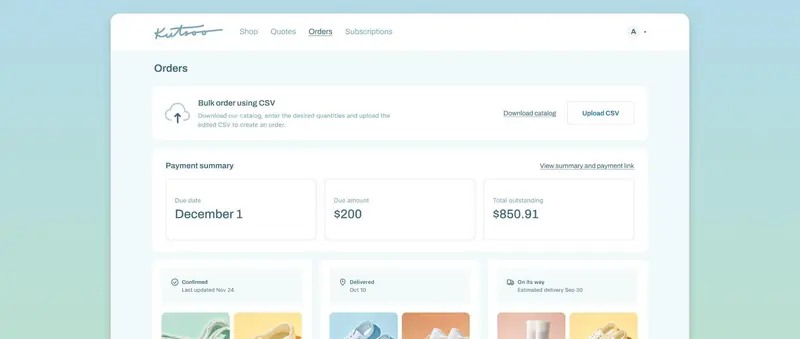
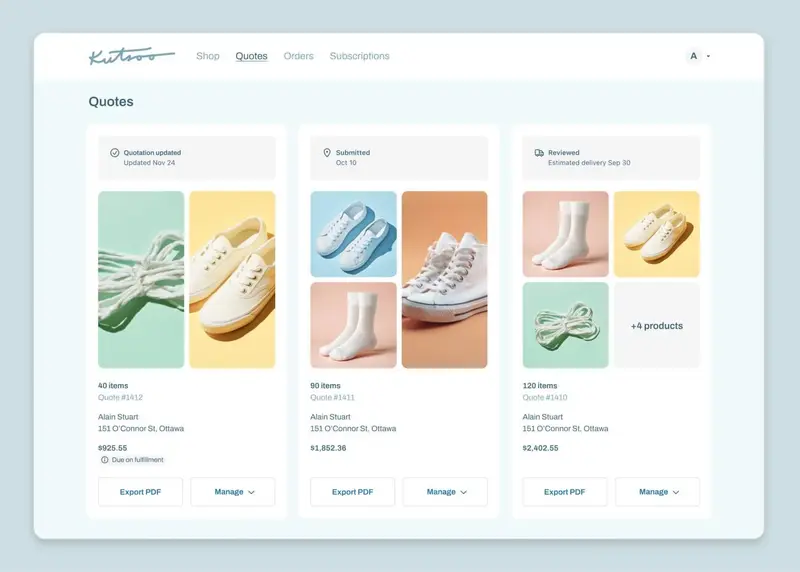
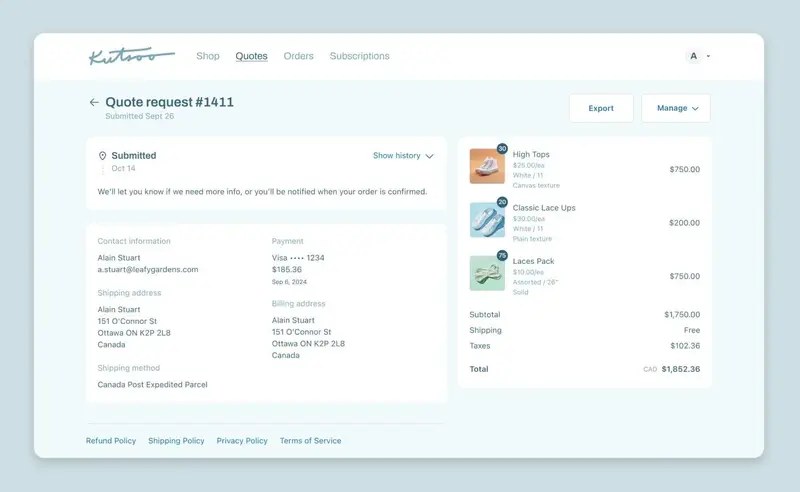
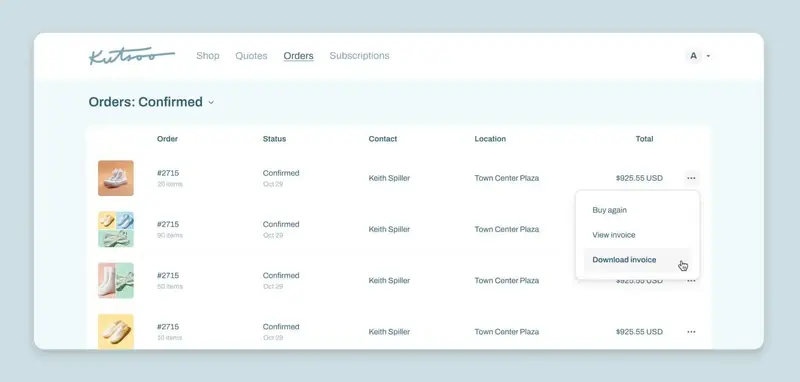
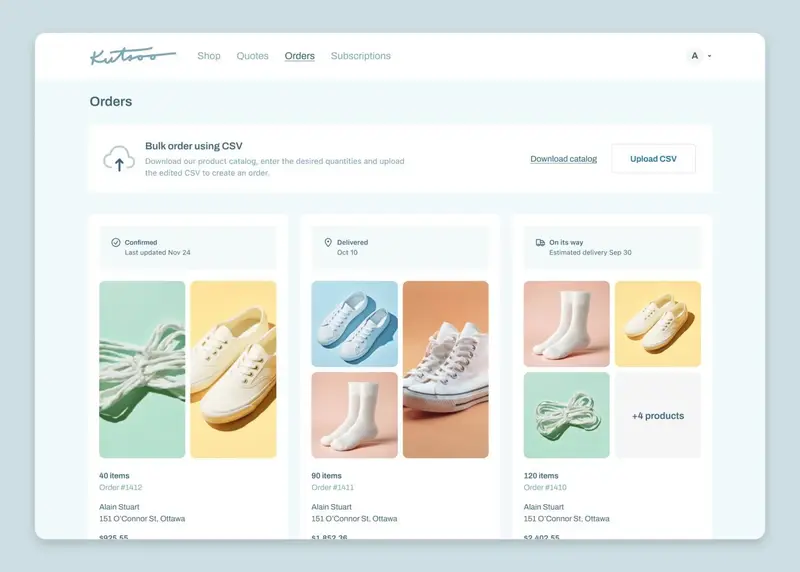
What is a customer account?
Customer accounts are a fundamental feature of Shopify's B2B offerings and meet two key needs for B2B businesses.
Why customer accounts are important
The demand for self-service from B2B buyers is clear, and customer accounts make self-service purchasing easy on Shopify. Buyers appreciate the convenience of being able to independently manage orders, invoices, payments, and account information without waiting hours or days for responses from the sales team. As a result, sales representatives can focus their valuable time on product training, market trends, and other important aspects.
What will change?
Shopify's built-in customer account features support most B2B use cases. However, there are specific requirements that these features cannot meet, and customization options have been limited until now. Going forward, businesses will be able to create the exact customer account experience that purchasing managers need, eliminating the need for manual work, off-platform processes, and multiple systems to achieve the same goals.
What is customer account expansion, and how does it work?
Businesses can use apps to customize customer accounts, giving purchasing managers access to everything they need to effectively self-service. These apps allow businesses to quickly enable new features across three key areas of customer accounts.


