跨境独立站开店
What are Shopify reports? How to view store analytics and useful apps
By utilizing Shopify's reporting and store analytics features, you can centrally track KPIs for your e-commerce site, such as sales and traffic. These analysis results can then be used to improve your e-commerce site, including CRO (Conversion Rate Optimization).

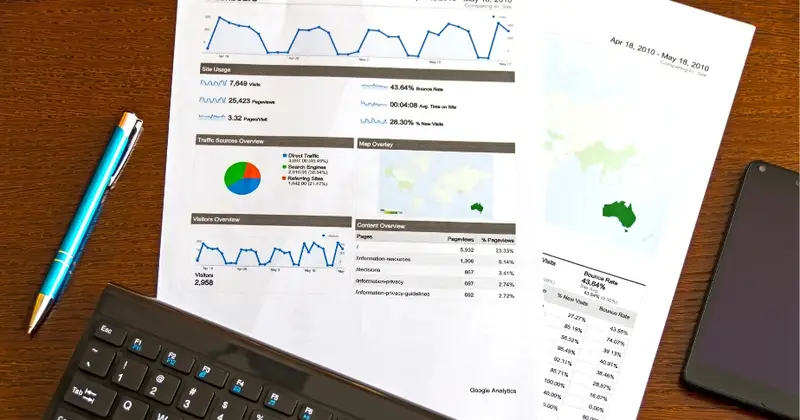

Shopify store analytics (reports) and their role
Shopify Store Analytics is a standard tool included with Shopify stores that visualizes sales and customer data on your online store and allows for advanced analysis.
How to view Shopify store analytics and reports
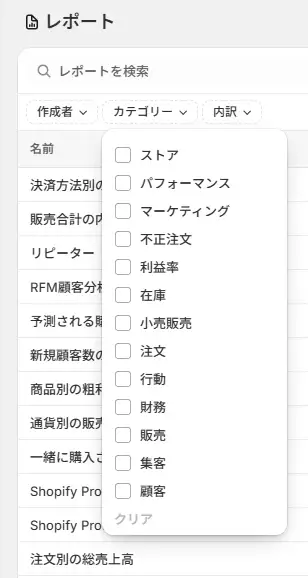
Shopify store analytics and reports can be accessed after logging into the admin panel by selecting "Store Analytics" from the left-hand menu. To open reports, select standard reports such as sales, customers, inventory, and marketing from "Reports" within "Store Analytics."
1. Financial Report
The financial report allows you to view financial information such as store sales and tax amounts. It primarily includes the following data:
2. Fraudulent Order Report
Shopify Protect Order Total Amount and Total Dispute Amount: Orders for which Shopify Protect has implemented chargeback protection, and the number and total amount of those orders.