跨境独立站开店
Amazon Pay launches a 0.5% Amazon gift card cashback program.
Starting August 24, 2021, we launched a program where you receive a 0.5% rebate in Amazon Gift Cards when you pay using Amazon Pay with Amazon Gift Cards.
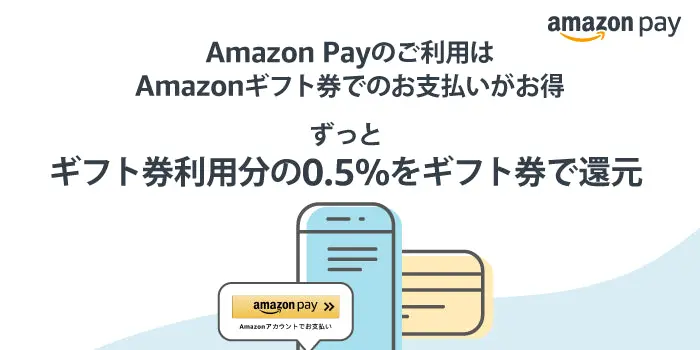
Starting August 24, 2021, we launched a program where you receive a 0.5% rebate in Amazon Gift Cards when you pay using Amazon Pay with Amazon Gift Cards.
Starting August 24, 2021, we launched a program where you receive 0.5% of the amount paid using Amazon Gift Cards when using Amazon Pay back in the form of Amazon Gift Cards. Click here for details.
For instructions on how to link your Shopify store with Amazon Pay, please refer to this article.
Amazon Pay-sponsored Amazon Gift Card Rebate Program
■Program Period
From August 24, 2021
During the promotion period, you will receive a 0.5% rebate on the total amount paid using Amazon Gift Cards when using Amazon Pay. This offer applies to multiple purchases at different stores. The rebate will be credited as an Amazon Gift Card to the Amazon account used for Amazon Pay.
■ Campaign Terms and Conditions
Please check here for details.
read more
- Starting affiliate marketing with Shopify: How to build an online store
- [App Store Listing Celebration] Limited-time campaign until June 30th: NP Postpay/atone payment processing fees are free for 3 months.
- KOMOJU Cashback Campaign is currently underway.
- Exclusive offer for Shopify users! PayPal payment processing fees are waived!
- Amazon Pay 2022 Start Dash Campaign
- Amazon Pay 2021 Start Dash Campaign has been announced!
- Get up to two months of free payment processing fees! KOMOJU Free Fee Campaign is now underway.
FAQ
What is Amazon Pay?
Can Amazon Pay and Shopify be integrated?
What are the costs of integrating Amazon Pay with Shopify?
Can anyone implement Amazon Pay?
What are the advantages of Amazon Pay?
Share this article
- Share on Facebook
- Share on X
- Share on LinkedIn