 跨境独立站开店
What is the Meta Ad Library? We'll explain how to use it, view it, and how to leverage it!
The Meta Ad Library is a free service that allows you to search for ads displayed in the Meta section of Facebook, Instagram, and other platforms. This article explains how to use it, how to view your ads, and its features.




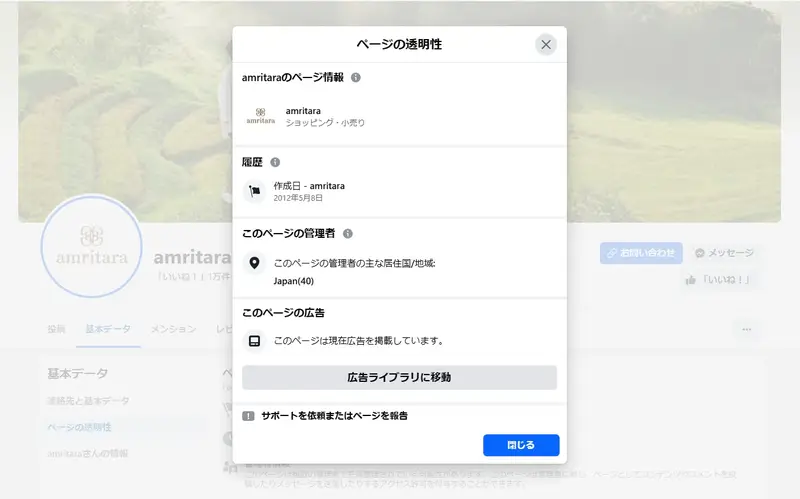
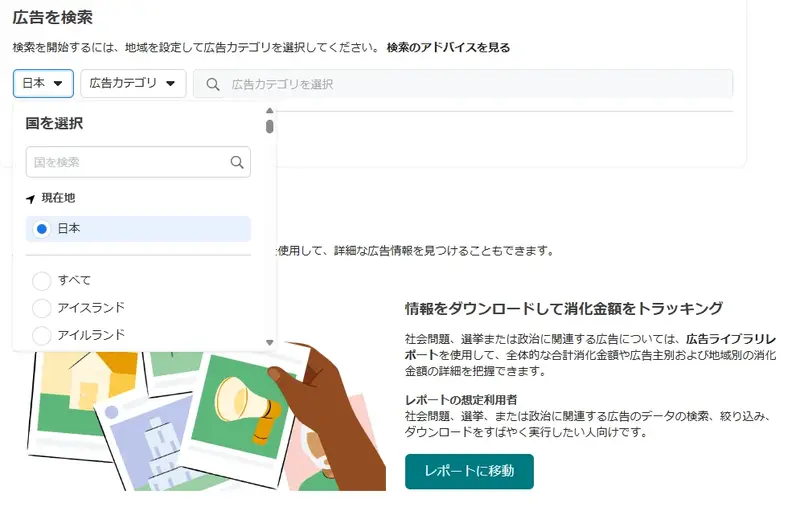
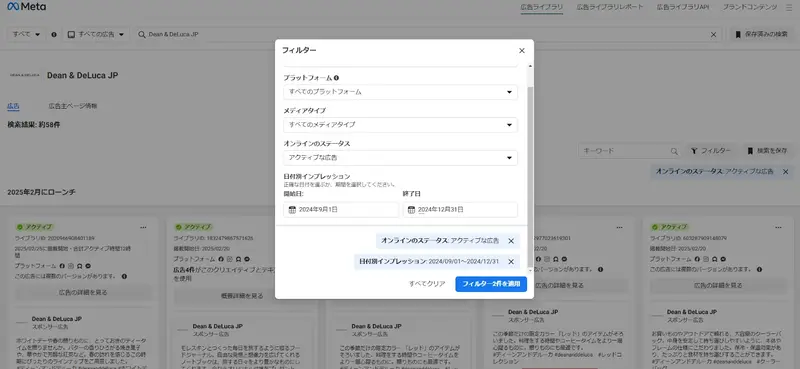
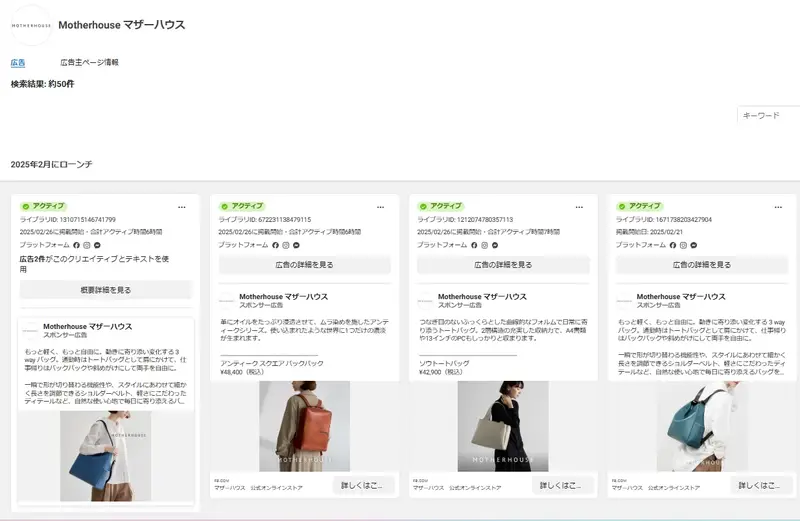

What is the Meta Ads Library?
The Meta Ad Library is a digital database where you can search for information about ads delivered on Facebook, Instagram, WhatsApp, and other Meta platforms. You can search for ad categories relevant to your business, such as competitors and branded content.
Reasons and timing for using the Meta ad library
When you're creating and launching your first advertising campaign, and you want to draw inspiration from real-world advertising examples that can serve as a reference for your company's advertising strategy...
1. Search using keywords related to your company's business.
If you want to see Facebook ads relevant to your business, try selecting keywords related to your industry, brand, and products. Search for those keywords in the Meta Ads Library to see what kinds of ads are displayed. This will give you insight into the trends in messages already being sent and help you discover trends that can be useful for your Facebook marketing.
2. Check your competitors.
If you want to know what your competitors are doing or want to get a broader understanding of the competitive landscape, instead of narrowing your search with specific keywords, try looking at Facebook pages and advertisers within the database. To see examples of ads your competitors are running, search for your brand name in the Meta Ads Library or visit the brand's Facebook page.


