跨境独立站开店
Learn about Shopify Home Cards – a wealth of useful information!
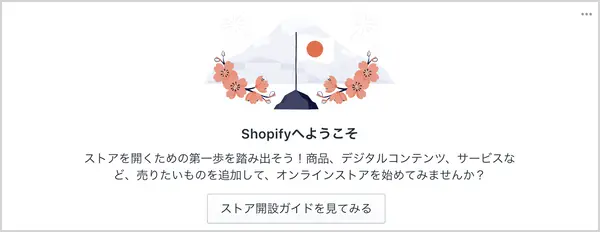
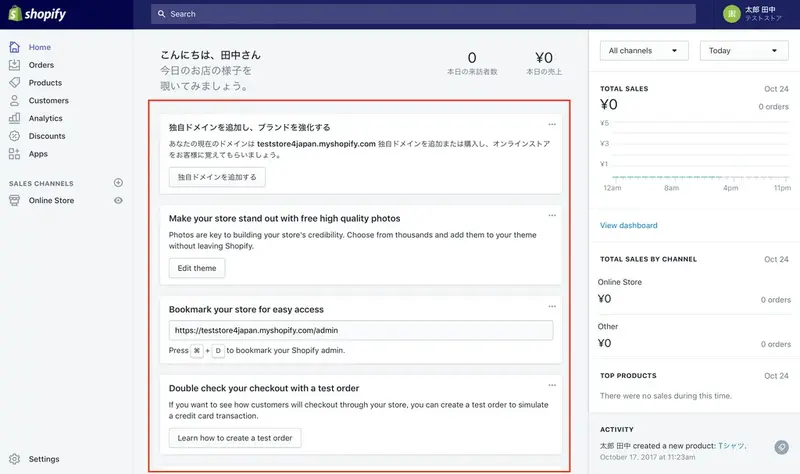
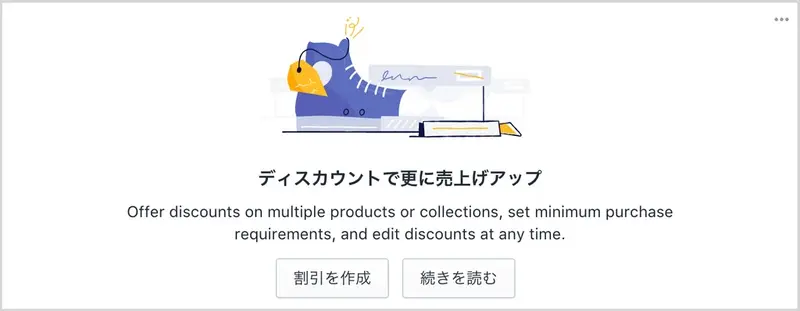
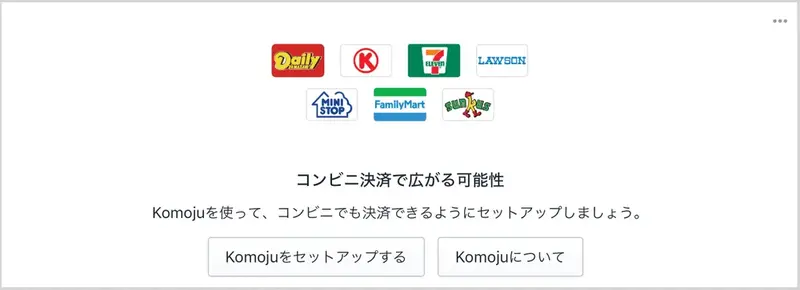
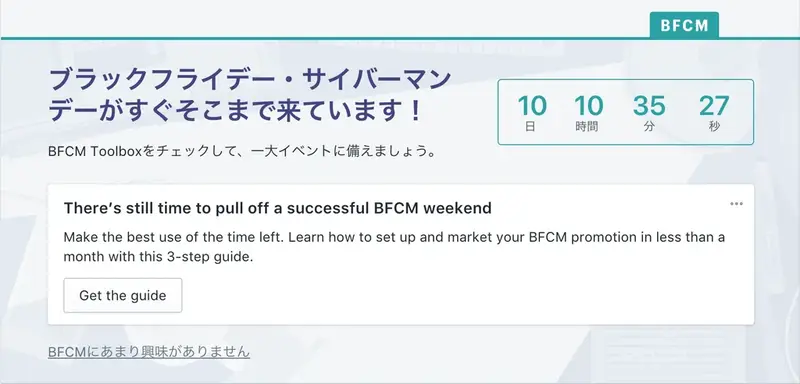
Are you familiar with the Home card that appears in the Shopify admin panel? It's the small card that appears in the middle of the admin panel. Today, let's review the role of this Home card! Latest News The Home card will inform you of news when new features are added to Shopify or when there is big news.

Latest Information
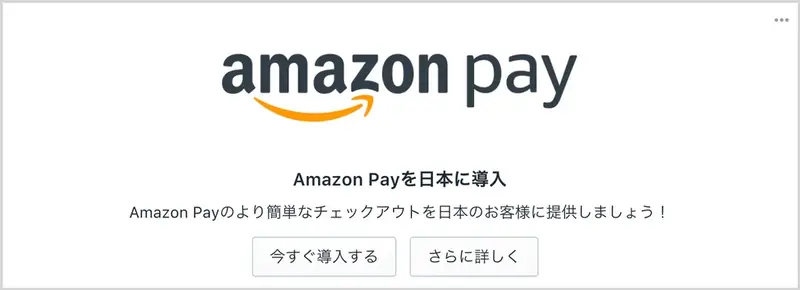
The Home card will keep you updated on new features added to Shopify and other major news. Here, we're sharing the latest information regarding our integration with Amazon Pay, which began in October of this year.
Store analysis
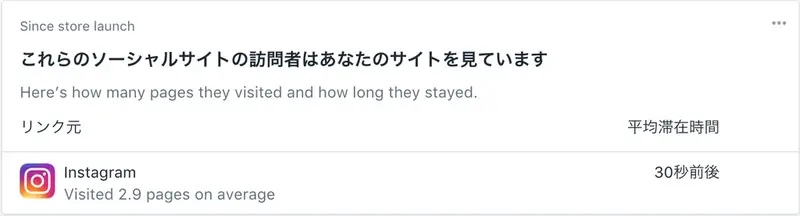
Home cards also serve the purpose of communicating store analytics results. For example, they can display a variety of store-related information, from "which products customers frequently add to their carts" to "which social media platforms generate the most visitors."
Event Information
For those of you living in Japan, your admin panel will display cards listing information about events taking place in Japan, such as "Shopify Meetups" and "Shopify Workshops." Check your admin panel and participate in these events!
Helpful information for store settings
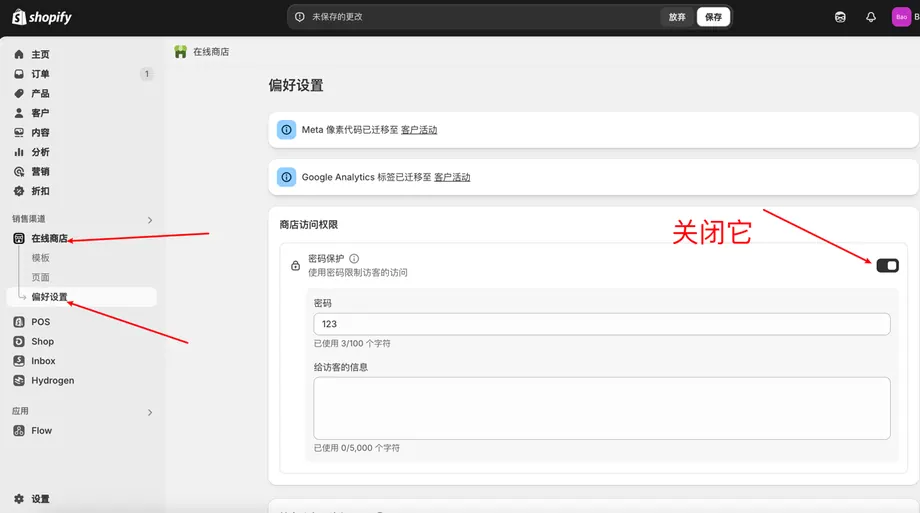
For those of you who have just opened a store, the Home Card will guide you through the necessary steps to open your store. For example, you can learn how to add products, add a domain, and how to remove the password page, providing reassuring store setup information even for those new to Shopify.