跨境独立站开店
How to avoid reflections in photographs: How to photograph and edit glossy objects.
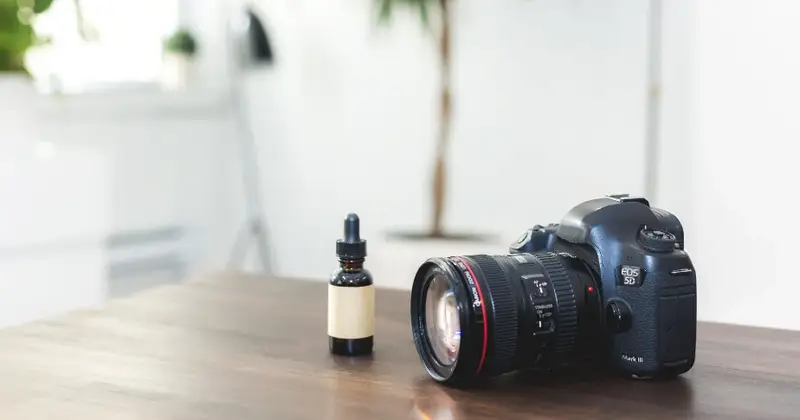
Knowing how to avoid reflections is especially important when photographing glossy products. Here, we'll show you how to take photos without reflections.
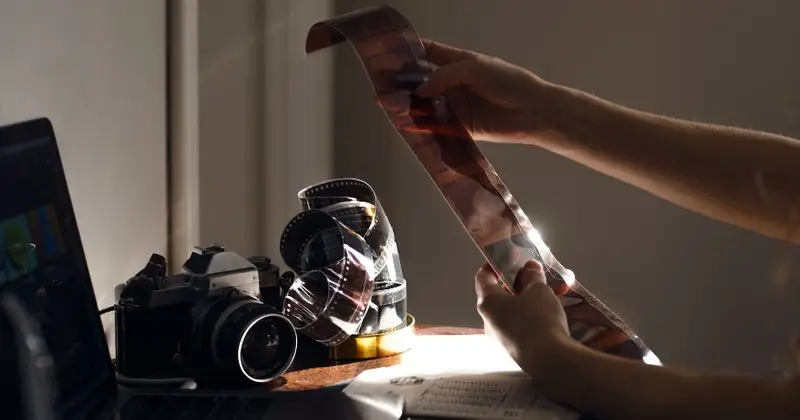
1. Clear the area around the subject of the photograph.
Remove any unwanted objects from the surroundings and minimize the number of people or objects that could be causing reflections. Also, carefully wipe the shooting surface to remove dust and debris, which will save you extra work in image editing later.
2. Carefully examine the product.
Check that the glossy surface is free of dirt and fingerprints, and that it is not covered with reflective plastic material. It is also important that the logo and engravings are clearly visible. Even minor defects can greatly affect the overall quality of the photograph, so careful preparation beforehand is the surest way to a beautiful finish.
3. Gather the necessary equipment.
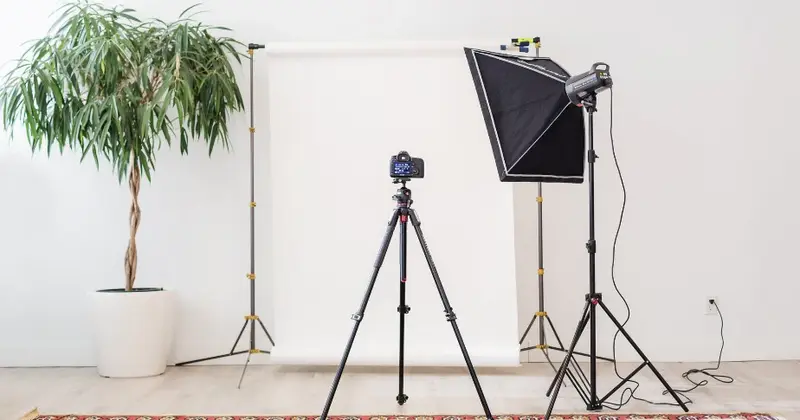
When photographing jewelry and other similar items, it's essential to have a few pieces of equipment ready. None of them are particularly special, but they help streamline the product photography process and improve the quality of the final product.
1. Arrange the lighting.
Because materials such as glass and metal easily reflect light, it is important to arrange lighting while being mindful of both the "incident light" that hits the subject and the "reflected light" that the subject emits.