跨境独立站开店
Essential photography items for e-commerce
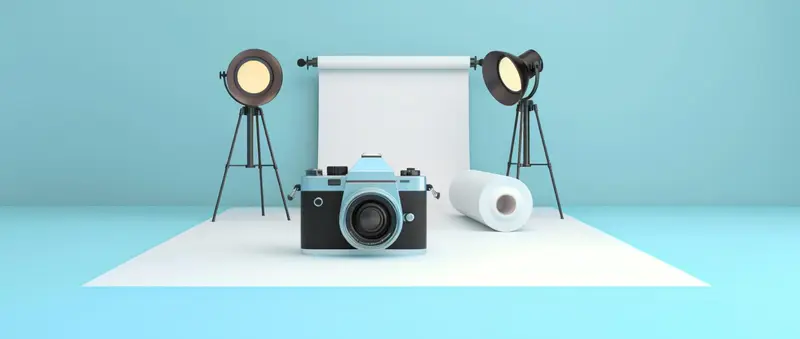
This article introduces useful photography items and editing tools for e-commerce products, as well as photography accessories that can be found at 100-yen stores.

This article introduces useful photography items and editing tools for e-commerce products, as well as photography accessories that can be found at 100-yen stores.
In physical stores, customers can actually feel the texture, size, and color of a product, but in online shopping, they learn about the product's features from the product photos displayed. Therefore, it is important to include images taken from various angles and high-resolution images that show the details.
To efficiently take product photos that convey the necessary information, it's important not only to understand the product photography process but also to gather the necessary equipment and shooting items and learn the tips and tricks for e-commerce photography.
This article will introduce the items and editing tools necessary for product photography for e-commerce, as well as photography props that can be found at 100-yen stores.
Essential items for product photography
To take high-quality product photos, careful equipment selection is essential. Since cameras and lenses directly impact image quality, consider allocating your budget to them. You can save money on accessories such as props, backgrounds, and lighting by utilizing 100-yen stores like Seria and Daiso to prepare your shooting kit.
The following equipment is generally essential for product photography:
- Camera remote control
- External HDD or SSD
- Camera blower
A camera is a fundamental item for product photography. Consider purchasing a camera from a reliable major manufacturer such as Canon, Fujifilm, Nikon, or Sony.
While it's possible to take product photos with a smartphone, using a DSLR or mirrorless camera will allow you to capture higher-quality images. By referring to tutorials such as blog posts and videos provided by manufacturers, even beginners with professional cameras should be able to take photos smoothly.
Cameras can be broadly divided into the following two main categories:
- Full-frame cameras have a large sensor that captures more light, resulting in clearer images of the subject. They also have a wide field of view and a shallow depth of field (the range of focus), making them ideal for taking photos with a blurred background. However, they are also more expensive and tend to have larger physical size and file sizes.
- Cropped sensor: The sensor is small, making the camera itself lightweight and easy to carry. While it provides a telephoto effect due to the reduced focal length, it is not suitable for wide-angle photography.
Both camera types are capable of taking high-quality photos. Full-frame cameras are suitable for capturing the details of small items such as jewelry or nail tips.
The following cameras are recommended for product photography.
The Canon EOS R50 is a relatively inexpensive camera with a cropped sensor, and it's lightweight and compact for a digital SLR. It also has a function that automatically combines multiple images, allowing you to take clear photos even in backlit scenes or when shooting close-ups. Since it can connect wirelessly to smartphones, you can easily upload product photos to social media.
The Nikon Z5 is a mid-range full-frame mirrorless camera. It features dual SD card slots, allowing for the backup of large amounts of images. With an effective pixel count of 24.32 megapixels, it excels at faithfully reproducing the texture and colors of products.
The compact and lightweight Fujifilm X-T5 boasts a high resolution of 40.2 megapixels and employs Fujifilm's proprietary X-Trans CMOS color filter array. With dials for ISO sensitivity, shutter speed, and exposure compensation located on the body, settings can be checked before looking through the viewfinder, enabling smooth shooting.
For product photography, it's best to choose a prime lens (a lens with a fixed focal length) in the range of 50mm to 200mm. 50mm, in particular, is most suitable for general product photography.
Focal length is the distance between the camera's sensor and the center of the lens, and it is the main factor determining the depth of field. Lenses shorter than 50mm require you to get close to the subject, which can cause image distortion. On the other hand, lenses longer than 200mm require you to be further away from the subject, which can make shooting difficult if the shooting space is limited.
You can also use a macro lens when photographing small subjects. Macro lenses are designed to minimize the distance between the photographer and the subject, allowing you to take images at or near 1:1 magnification. For example, when photographing small accessories such as earrings or rings, you can take close-up shots to clearly show tiny gemstones or intricate designs.
Once you've found a camera that suits your needs, check for lenses made by the same manufacturer to ensure compatibility. The price range will vary depending on the build quality, aperture (the amount of light entering the lens), and glass quality.
A tripod is an essential piece of photography equipment for taking level images and adjusting the position of your subject. It allows you to center your subject, fix the composition, and take sharp, blur-free photos. When choosing a tripod, it's a good idea to check the number of leg sections, weight capacity, and the type of head that holds the camera.
Popular tripods include Manfrotto's "Element" and the portable tripod "PIXI".
Using a camera remote control helps avoid camera shake when pressing the shutter button. It's useful not only for general product photography but also particularly helpful when taking detailed shots against a white background using a macro lens.
Add a wired remote control compatible with cameras from various manufacturers, such as "Pluto Trigger," to your camera equipment, including wireless remote controls from different manufacturers and even remote controls from dollar stores, to suit your camera and budget.
Taking photographs requires a large amount of storage and processing power. This is necessary not only for saving images but also for operating editing software, so you should back up your photos to an external HDD (hard disk drive) or SSD (solid state drive).
For storing and backing up images, a capacity of 2 to 5 TB is recommended for peace of mind.
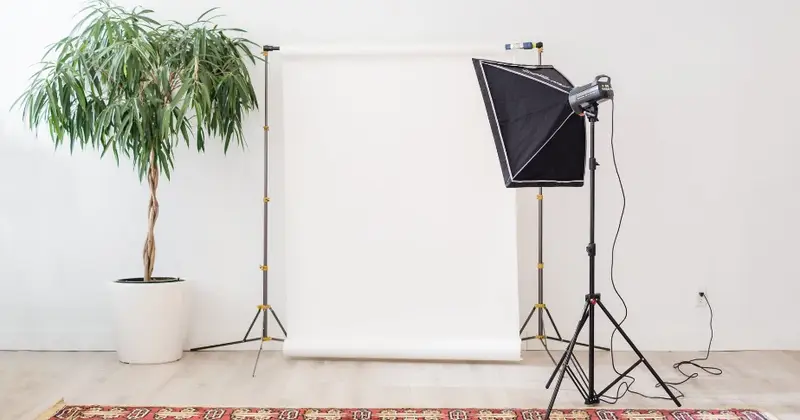
Using a background in product photography can enhance the product's appeal and details. The objects and colors in the background can convey how the subject is used or draw the viewer's attention to the product itself.
If you prepare the background for shooting, you won't have to bother removing the background from the photo later. When using a single color like white or light gray, you can easily shoot using a large roll of paper, a white sheet, or a ready-made white background.
When choosing a colored background, you need to consider the product's color, image, and color psychology. For example, a black background can convey a sense of luxury and sophistication, while using pastel colors can create a pop and cheerful impression in product photos.
When photographing small items such as jewelry, a simple shooting box made from a plain box is very useful. This allows you to photograph products in a consistent environment, regardless of room lighting or background, resulting in more cohesive product photos.
You can easily find all the necessary props for your photoshoot at a 100-yen store, so it's a good idea to prepare several background options to match your product image and the scene you want to photograph.
It's a good idea to have a camera blower on hand to blow away dust and lint from your camera and lenses. A camera blower can be used not only to remove impurities during shooting, but also to clean the lens and camera body.
Lighting equipment for product photography
Items needed when shooting in natural light
When photographing products using natural light, the impression of the light changes depending on the weather and time of day, so you should use a reflector to adjust the light hitting the subject. Use a white reflector if you want soft light, and a silver reflector if you want strong light.
Reflectors can be purchased at 100-yen stores, or you can substitute them with styrofoam boards (foam boards), or even make your own using aluminum sheets and panels.
Items needed when shooting with artificial light
- Strobe: A flash unit that attaches to the camera and is designed to fire simultaneously with the shutter release.
- Continuous lighting: This type of lighting constantly illuminates the subject, often using LED lights. The lighting pattern can be checked before shooting, and adjusted according to the brightness of the shooting location and the subject.
- Reflector: A board used to illuminate a subject, and is also used to soften shadows.
- Umbrella: It has an umbrella shape and is used to soften and diffuse light. It is also useful for reducing glare in photographs.
When shooting with artificial light, you need to pay attention to the following "three-point lighting" technique.
- Key light: This is the main light source directed towards the product, and it is the brightest light. It should be placed high up so that the light shines on the subject at a 45-degree angle.
- Fill light: This light illuminates the shadowed areas of a product, softening the shadows on the subject. Adjust the light intensity to about 1/3 to 1/4 of the key light.
- Backlight: This is a light source that shines from behind the product to clearly define the subject's outline. It should be adjusted to at least half the strength of the key light, but in some cases it may be stronger than the key light.
Recommended tools for editing product photos
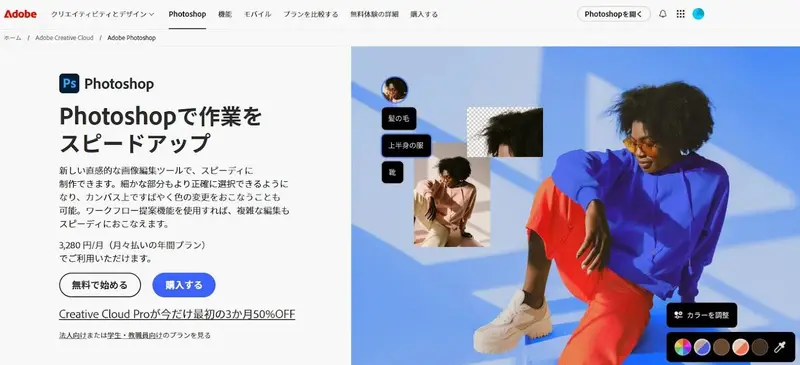
- Adobe Photoshop
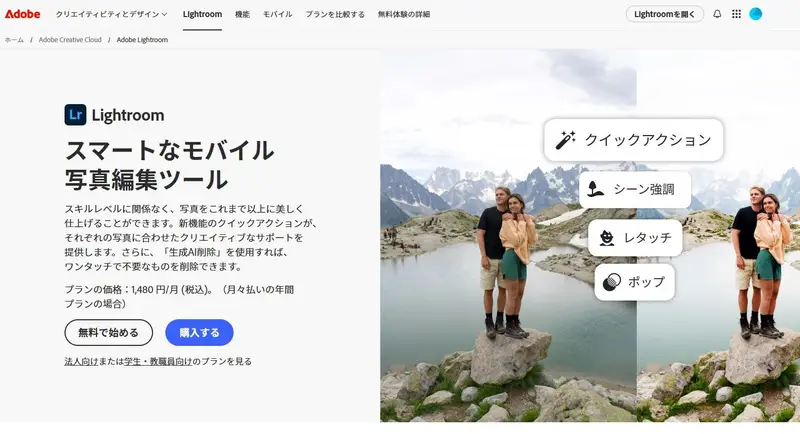
- Adobe Lightroom
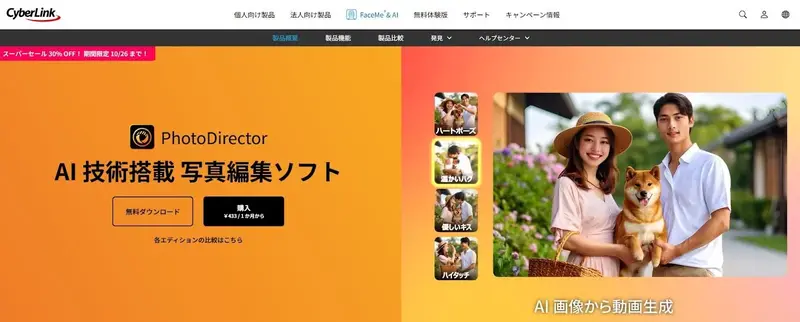
- PhotoDirector
- PIXLR
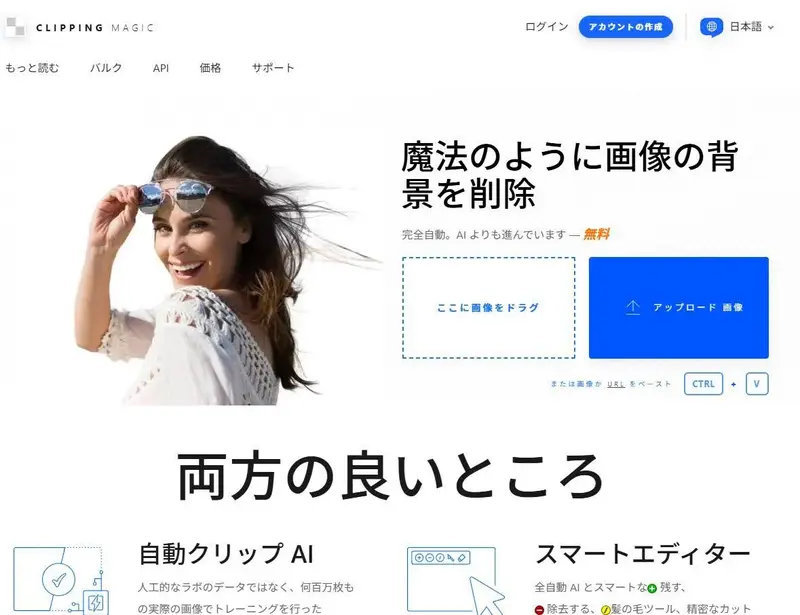
- Clipping Magic
Adobe Photoshop
Adobe Photoshop, a professional-grade image editing tool, is a software program with a wealth of features. Not only can you remove unwanted elements from the background or fill in images with a single click, but you can also perform detailed editing and adjustments.
Price: From ¥3,280 per month (free trial period available)
Adobe Lightroom
Adobe Lightroom is software that allows you to easily adjust the brightness, shadows, and background blur of images. It also has an AI-generated deletion function that can remove unwanted objects from images. Because it also has a photo organization function, it's convenient for managing product images with multiple users.
Price: From ¥1,480 per month (free trial period available)
Photo Director
PhotoDirector is packed with AI-powered features, making it easy to perform image stabilization and remove unwanted objects. It also allows for detailed retouching and image compositing, making it ideal for extensive editing. In addition to a web version, it has a smartphone app, and a free version is available, allowing you to try out the features before switching to a subscription plan.
Price: Free
PIXLR
PIXLR is a web-based image editing service. In addition to retouching and adding effects, it also offers AI-powered background and object removal functions. Furthermore, it includes an AI image generator function, making it versatile beyond simple image editing.
Clipping Magic
Clipping Magic is an online tool specifically designed to remove backgrounds, adjust edges, and correct blur in product images. It's especially useful when a background is unavailable or when the background is complex and contains unwanted elements.
Price: Light plan from $3.95/month (free trial period available)
E-commerce product photography equipment includes not only cameras and lenses, but also tripods to stabilize the camera, remote controls for taking photos remotely, backgrounds, and lighting equipment. Furthermore, various items such as HDDs for storing images and blowers for equipment maintenance are also necessary. Among these, the camera is a factor that directly affects the quality of product images, so consider your budget and the features of the camera before making a purchase.
After the product photos are taken, they are adjusted using image editing tools such as Photoshop or Lightroom. By adjusting the colors and balance to match the product page design, the products will be presented more attractively.
Frequently Asked Questions about Photography Items
What items are necessary for taking product photos?
- strobe
- Umbrella
Can a photography kit be purchased or made at a 100-yen store like Daiso?
Many of the props you need for photography can be purchased at 100-yen stores like Daiso. Here are some examples.
- Reflector board: While some are sold as reflectors, you can also make your own by attaching aluminum foil or copy paper to a board.
- Shutter remote control: Primarily usable with smartphones, allowing you to take blur-free photos from a distance.
- Tripods: Tripods and stands of various sizes are available for purchase.
- Background: You can make or substitute shooting boxes and backgrounds for photographing small items using items from 100-yen shops.
What camera is recommended for product photography?
- Canon EOS R50
- Nikon Z5
- Fujifilm X-T5
Can I take product photos with my smartphone?
You can also take product photos with your smartphone. If you choose a newer model with a high pixel count, you should be able to take high-quality images similar to those taken with a DSLR camera. When shooting, you will need to adjust the white balance (color temperature) and exposure (amount of light during shooting).
Share this article
- Share on Facebook
- Share on X
- Share on LinkedIn