 跨境独立站开店
How to easily manage your social media posts using a content calendar
This guide explains how to create, maintain, and optimize content calendars, and introduces templates and tools for creating content calendars.

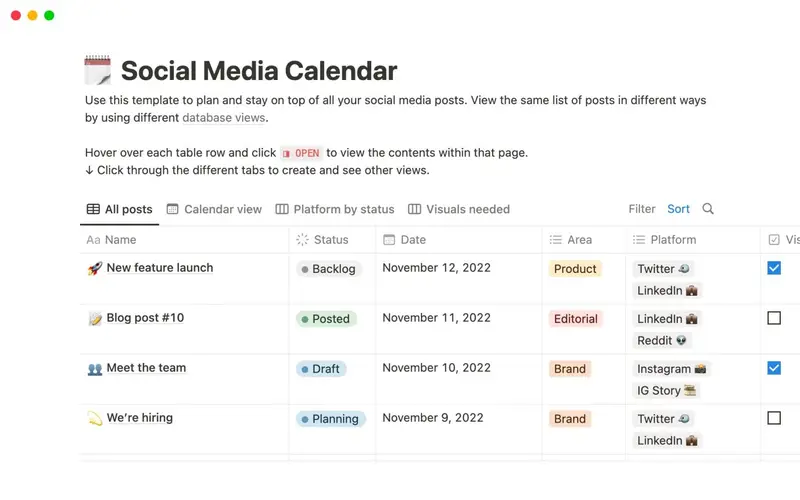
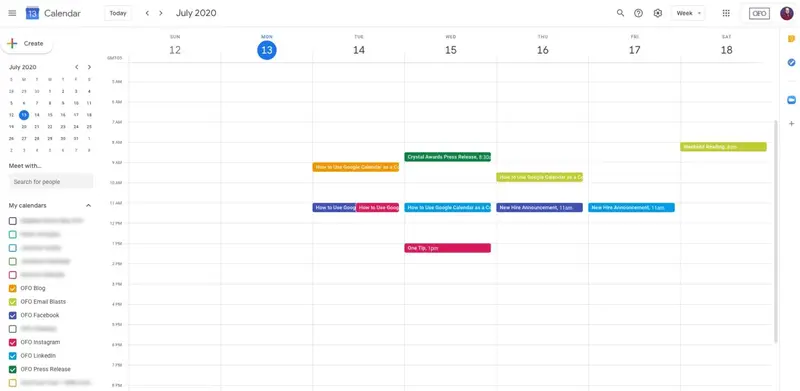
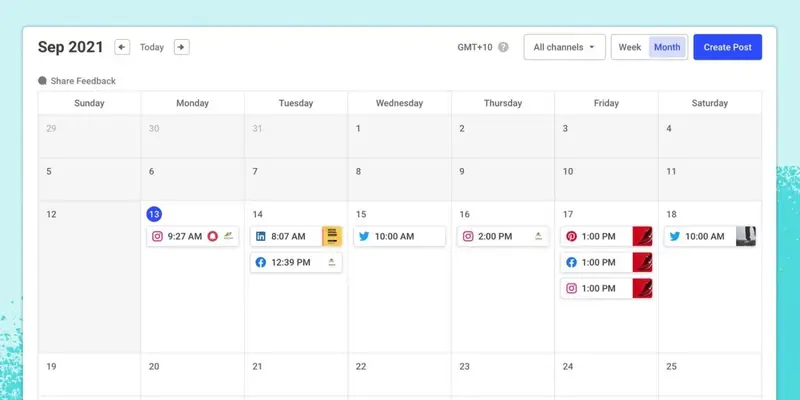
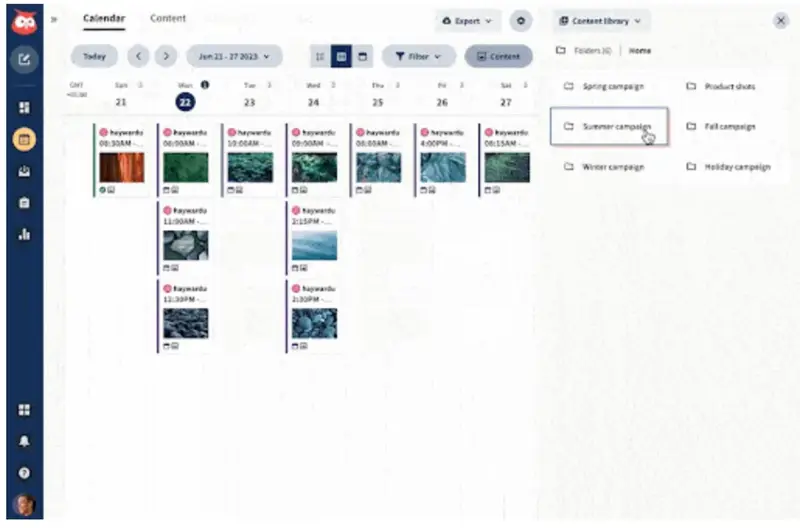
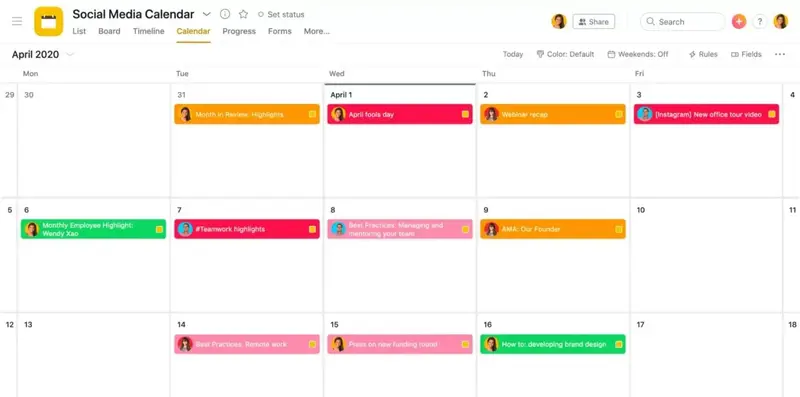
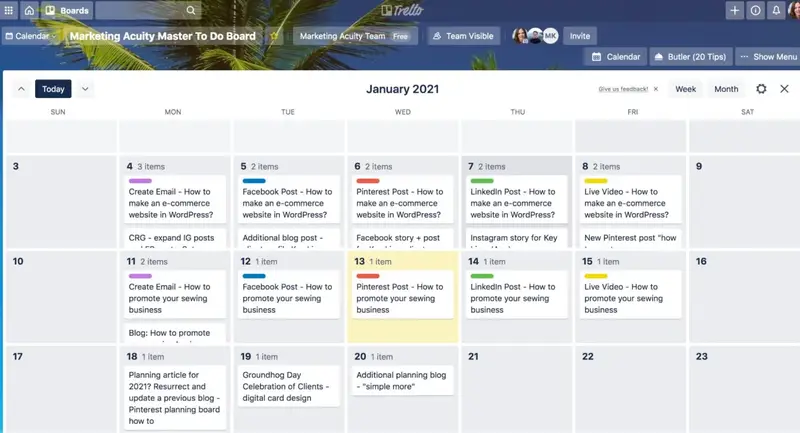
What is a content calendar?
The content calendar organizes your upcoming social media posts by date and time. It helps you understand what content needs to be posted and when, ensuring you have enough time to create the necessary materials and see how each post fits into your overall strategy.
How to create a content calendar
Creating a month's worth of content calendar all at once might seem daunting, but it's much easier than you think if you know how to effectively promote your brand and monetize through social channels.
1. Identify the target audience.
First, clearly define who you want to reach on social media. This will help you determine which channels to focus on and what kind of content to post. Create buyer personas for each segment of your target audience, listing basic information such as age and location, as well as psychological tendencies such as interests, fears, lifestyle, and goals.
2. Audit social channels and content.
Auditing your existing social media platforms and accounts will help you understand your current position. Pay attention to content with high engagement (likes, comments, saves, views, shares, clicks, etc.) and posts with low performance. This will provide insights into how you should approach social media marketing.


