 跨境独立站开店
Store operations | Snapchat Posting Ideas
This article introduces ideas for posting to Snapchat and effects you might want to use. Learn about effective content examples and tips for using Snapchat to deepen your relationship with your followers.


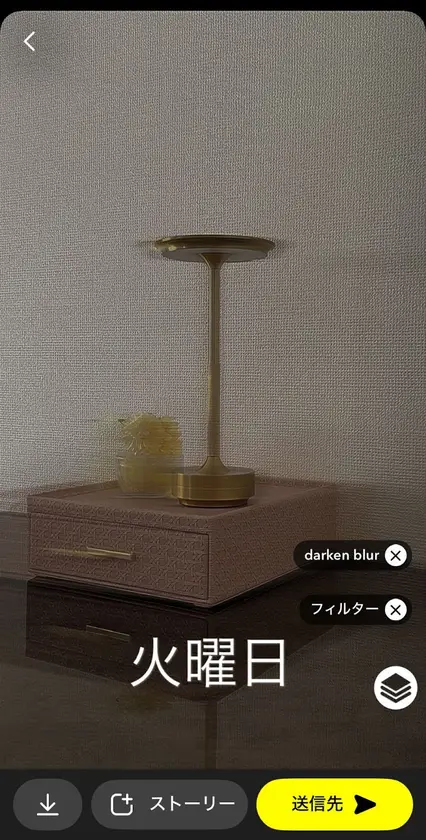
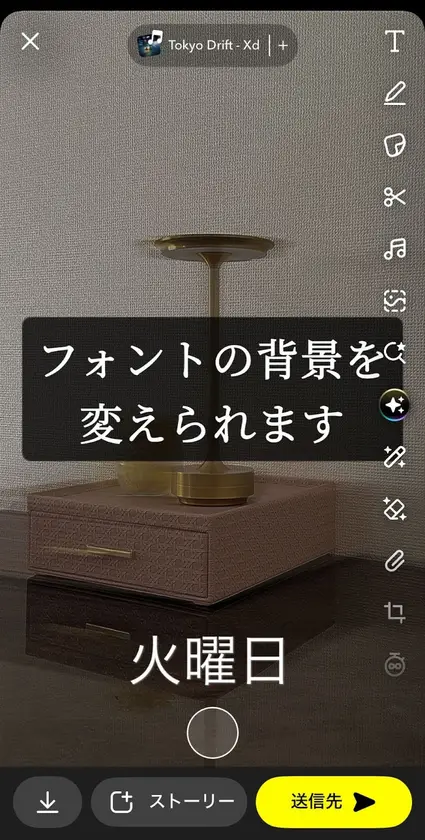
1. Layer multiple filters on a single snap.
Filters are a feature that allows you to add effects and designs to photos and videos (Snaps) taken in Snapchat. You can also combine multiple filters to edit your images; for example, you can overlay a filter that changes the color tone of an image with the day of the week displayed on top. You can edit by layering text-based filters on top of image filters, clocks, location information filters, and other filters.
2. Add music to enhance your snapshots.
You can add music by tapping the musical note icon on the snap editing screen. You can create sophisticated snaps by choosing songs that match your personal preferences or brand image, or by incorporating trending songs.
3. Decorate with stickers and text.
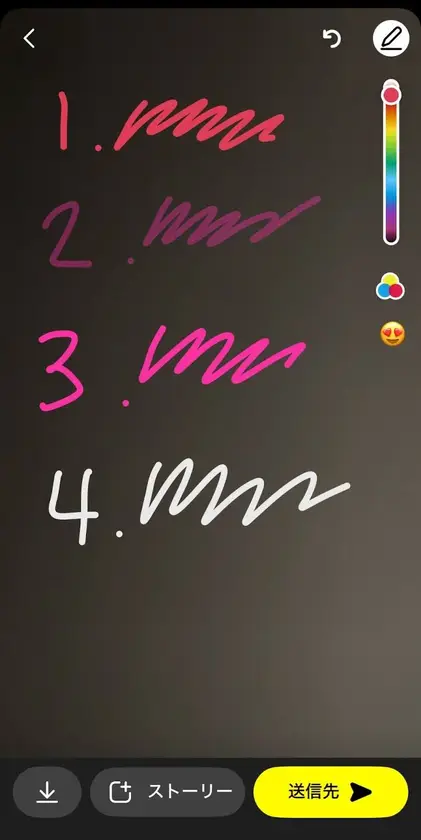
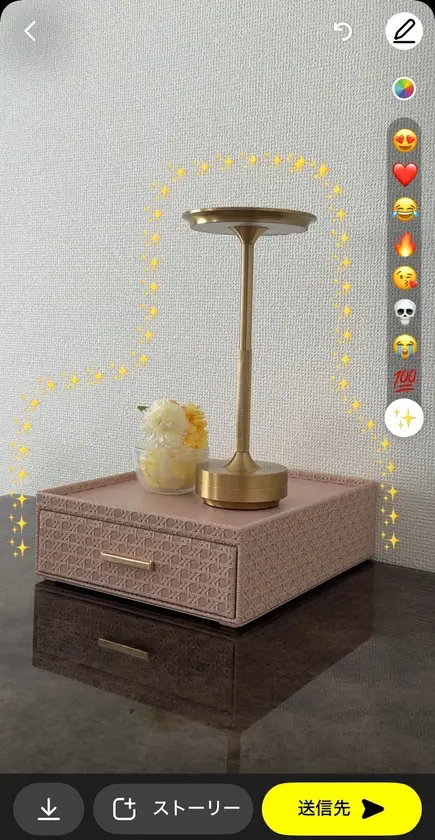
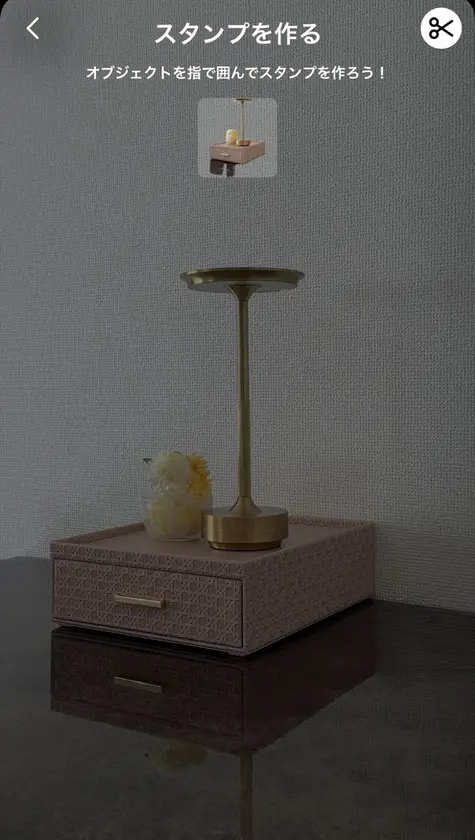
When creating snaps, you can combine filters, stickers, text, and more to create unique content. For example, you can enlarge the font size of the caption, add original stickers, or use the pen tool to doodle or write on them. Feel free to customize them to match your brand's aesthetic.
4. Try out new and popular lens features.
Snapchat's "Lenses" are an augmented reality (AR) feature that automatically digitally alters the faces and other features of people in your snaps. You can choose from a variety of lenses, such as adding dog ears, an anime style, turning into a monster, or adding sophisticated designs.



