跨境独立站开店
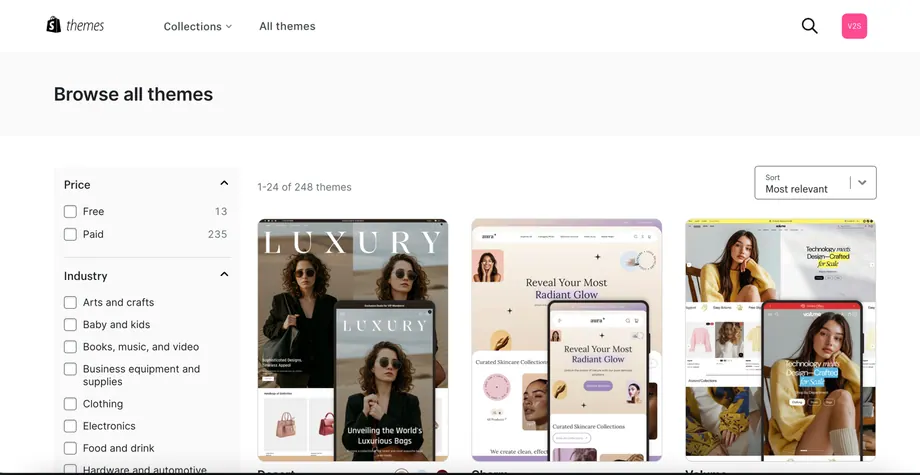
Free, Paid or Custom Shopify Themes: How to Compare Them
Test each theme with the same product, photos, variants and shipping details. Compare the buying experience and the work your team will need to maintain it.
What needs are suitable for verification using free themes?
When product availability is limited and the primary goal is to validate demand, a free theme can serve as a base for a full-fledged store. First, complete the homepage, series, product, and contact & policy pages. Check that the specification options, image cropping, buy button, and mobile menu all function correctly. Additional animations will not compensate for missing details or clear images on the page.
When is it worthwhile to evaluate paid topics?
Define specific scenarios for features that the current theme cannot fulfill, such as "filtering series by color on the phone" and "displaying size information next to product images." Verify these scenarios using a preview of a paid theme. Determine if the features are already included, if a separate application is needed, and who is responsible for the upgrade. More modules mean more configuration and regression checks.
Which needs truly require customization?
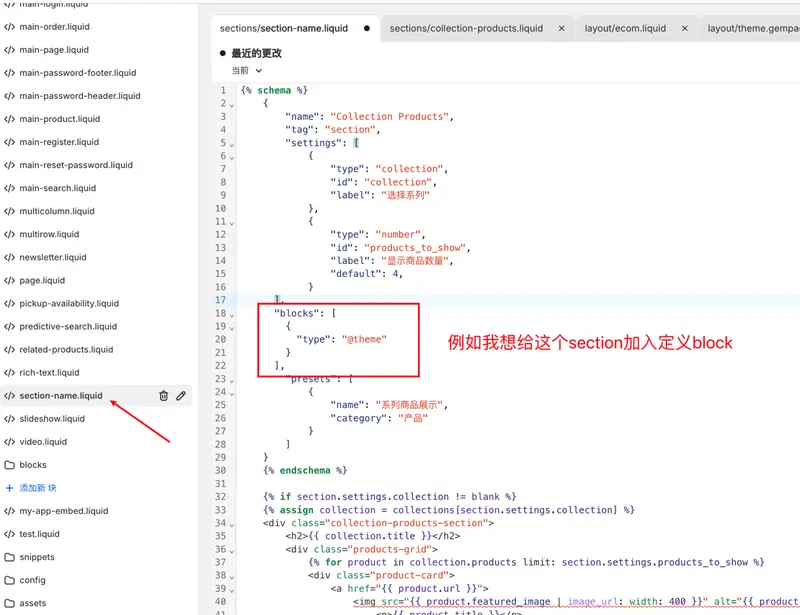
Special product configurations, multi-step shopping, complex wholesale entry points, and specific brand narratives may require changes to the standard page structure. First, describe the user's action sequence, required data, and system outputs, then explain who edits the backend. The prototype should demonstrate a typical path and one exception case before estimating development and maintenance workload.
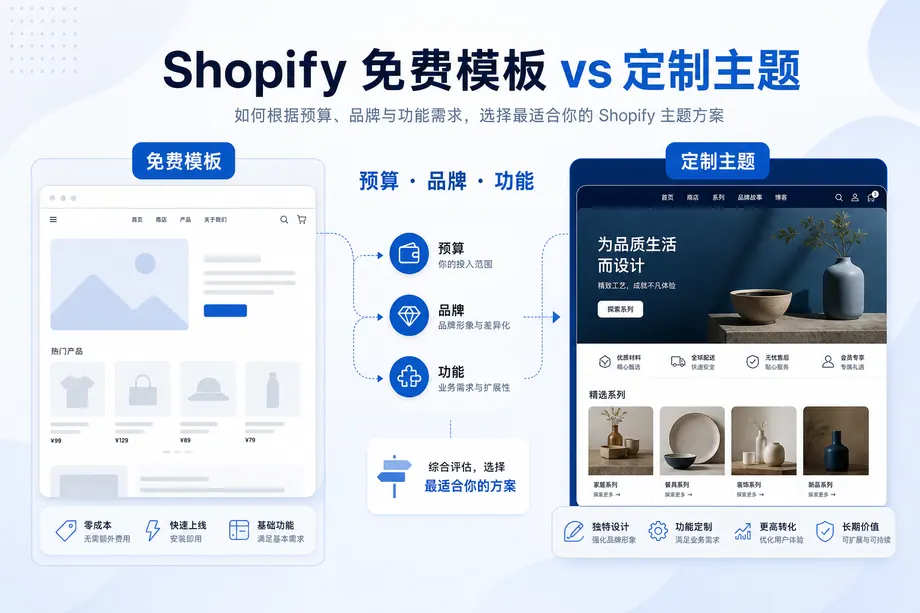
Put the three routes in the same table
| route | What to invest first? | What needs to be inspected? | Subsequent maintenance |
| Free Themes | Content preparation and configuration time | Can you fully explain the product and complete the purchase? | Theme updates, product and content maintenance |
| Paid Themes | Licensing fees, configuration, and migration time | Are the required modules actually compatible with our store? | Authorization, theme upgrade, and compatibility with existing applications |
| Custom development | Requirements, Design, Implementation and Testing | Can the differentiated process be completed by the customer? | Code handover, technical maintenance, and regression testing |
The budget is arranged in two phases.
First, ensure the payment, delivery, policy, product page, and mobile purchase experience meet the requirements for a successful launch. Observe where visitors hesitate and then revise that step accordingly. If the problem stems from missing size information, prepare the relevant content first; only adjust the theme and interaction if the information is complete but the corresponding parameters are not displayed when selecting sizes.
How to hand over the work when changing the theme later?
Retain the original theme and preview link, and reorganize page sections, application embeddings, font licensing, and code changes. Product and order data belong to the store, while homepage layout and custom code belong to the theme. Prepare the old theme as a rollback point during the redesign. Beginners can also choose a custom route, but this requires clear goals, stable resources, and someone responsible for maintenance after release.