跨境独立站开店
Debutify Theme Selection Guide: Check Mobile Add-to-Cart, Upsell, and Free Shipping Notices
Test the complete shopping process on an unreleased copy of the theme before deciding whether to let the theme take over the functionality of the original application.
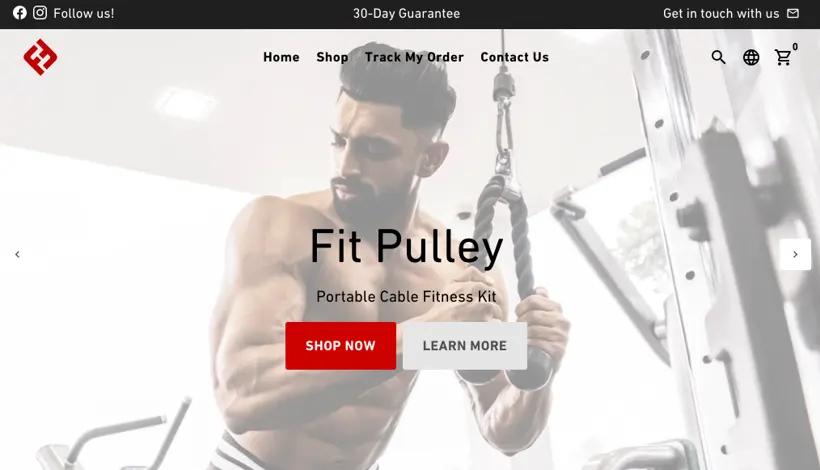
From product page to shopping cart
The tutorial demonstrates pinned add-to-cart, additional purchase suggestions, and free shipping progress. Use an item with two sizes to check: after switching to the second size, does the SKU pinned to the cart change accordingly? Does the out-of-stock size still get added?
Verify the boundaries of the free shipping prompt
First, add one item below the free shipping threshold, then add it to the cart above the threshold, and finally change the shipping region. Observe whether the description matches the actual available shipping methods at checkout. If free shipping is only available to a certain region, the product page should clearly indicate this limitation.
Put the cost of the theme and the application together
List the functions currently handled by the app, such as add-to-cart and upsell features. Disable only one feature at a time, repeating the shopping process on both mobile and desktop. Record whether the app is still needed after the replacement, and who is responsible for re-verification after a theme upgrade. Historical discounts or package descriptions should be reviewed against the current checkout conditions.