跨境独立站开店
How to open a Shopify store and preview your first product
Prepare an email address, your store details and one real product. Use the storefront preview to check the shopping experience before launch.
Prepare the store details
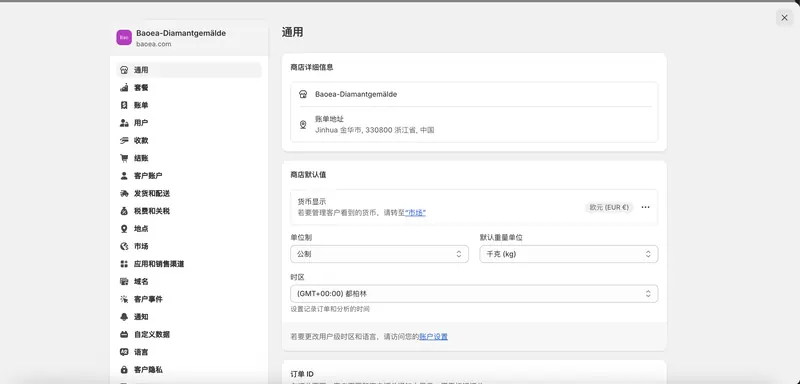
Choose an email address you can keep, then collect the store name, operating address, photos and description of one product. Enter accurate business information. Read the trial and plan terms shown during signup before accepting them.
Check the admin and storefront separately
After the setup screens, check the details saved in your admin. Your own interface language and the language your customers see are separate choices. Open a visitor window to inspect the product title, menus and buttons on the storefront.
Follow one product from listing to checkout
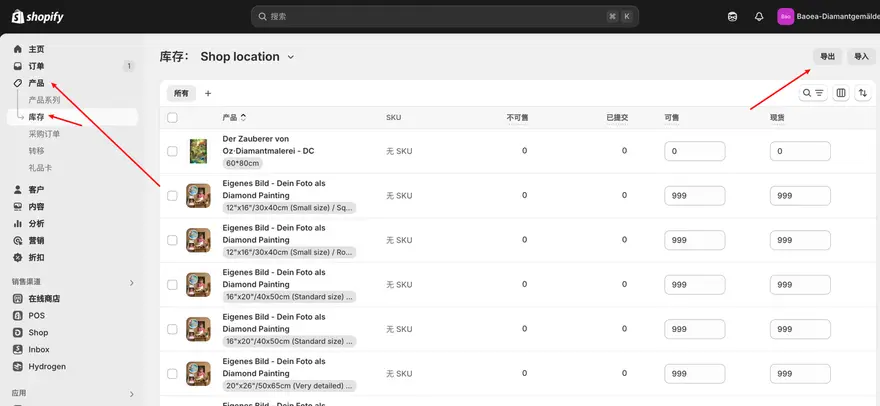
Enter one product and compare its variants, pictures and price with your source documents. Open it from the store menu in preview and inspect the mobile purchase flow. List any payment, shipping or policy settings you still need before publishing.