跨境独立站开店
Connect a custom domain to Shopify and verify the root and www records
Find the provider that hosts your DNS records, save the current settings and use the connection values shown in your own Shopify admin.
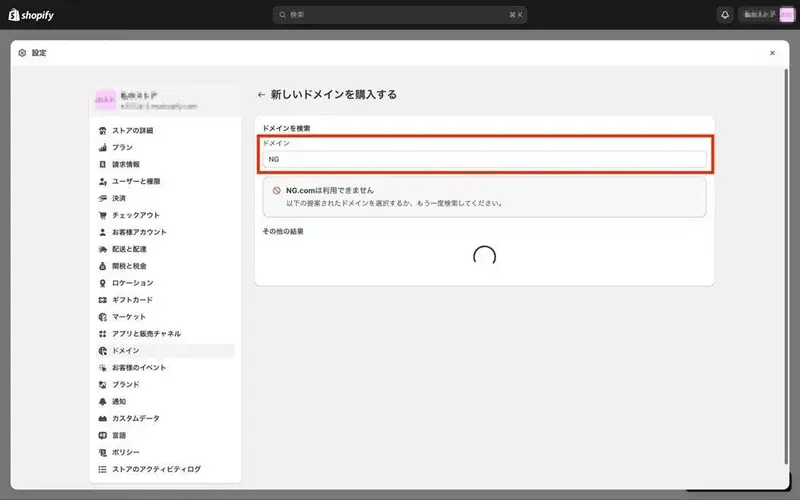
Locate the DNS manager
Find the provider that actually hosts your DNS and save a copy of the current records. A domain registrar and a DNS host can be different services. Make sure you can edit the web records while preserving the records used by business email.
Set up the root and www separately
Add your existing domain in the store’s domain settings. Match the record type, host and destination in the DNS panel to the instructions shown for your store. The root domain and the www hostname are separate entries. Use the current values in your admin when comparing them with an older screenshot.
Verify the destination
Return to the admin after saving DNS changes and check the connection. If validation is pending, check for a conflicting record or a misspelled hostname and allow time for cached answers to expire. Open the root and www addresses, check HTTPS and verify email service before promoting the new storefront address.